Archive · 1 December 2007
Installation of BI Publisher on OEL5 and BIP Desktop on Windows Vista
Written 19 years ago. Oracle APEX has moved on a lot since; check the current Oracle APEX posts too.
-- Update: This post remained in my drafts folder (for one month now), I guess I wanted to include something else, but I don’t know what anymore, so I decided to post it as is…
As I blogged a few days ago, I created a VM with my Oracle soft. Now I’m extending my demo system with BI Publisher. So far, so good, wasn’t it I also need Oracle BI Publisher Desktop, and that runs on Windows. I could have gone for another VM for only that, which would be the most secure thing as it would be a “fixed” working environment (without the windows updates etc.).
Nevertheless, I didn’t do that, as my systems RAM is going bananas! Windows Vista is already eating 1GB of my RAM, the other 1GB I use for my VMware. So no room left for another VM with Windows.
As I’m giving a presentation at OOW and UKOUG about the integration of APEX and BI Publisher and creating some advanced pdf’s, next thing for me to do … install BIP!
When I’m talking about Oracle Business Intelligence Publisher (BIP), I’m talking about a server part, in my case BI Publisher 10.1.3.3.1 for Linux and a client part, BI Publisher Desktop 10.1.3.3.1 for Windows.
Installation of BI Publisher 10.1.3.3.1 in OEL5 (Oracle Enterprise Linux 5)
Installing BIP in Windows is a matter of minutes, click on the installation file and that’s basically it. I hoped it would be as easy in Linux, but …
After downloading BIP for Linux, I read the manual. There’re not that many pre-requisites, so I started with “./runInstaller”.
What followed was a nice java error thrown by the OUI (Oracle Universal Installer).
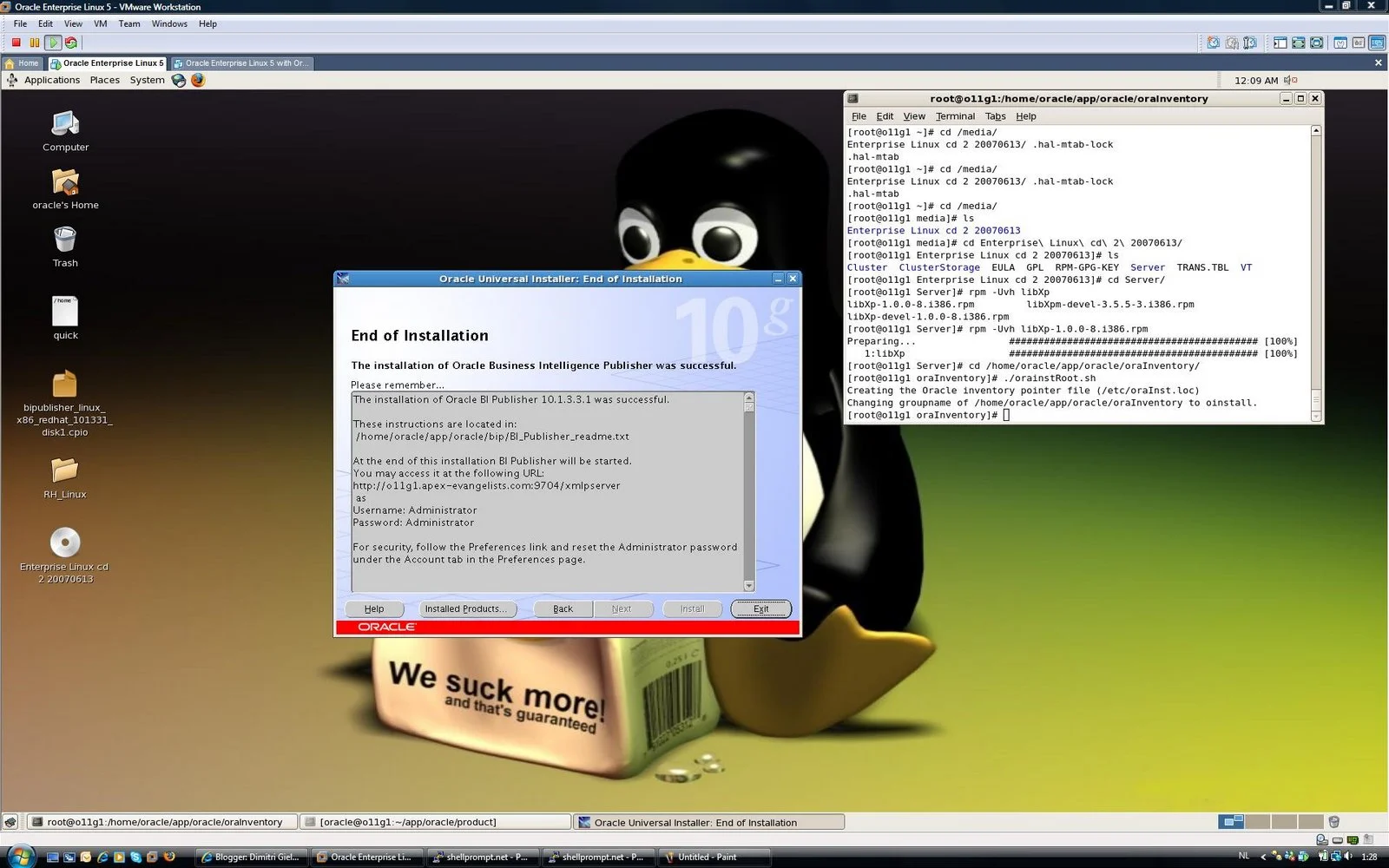
When you think you’ve all needed libraries installed, there’s for an odd reason always one more! In my case I had to install the libXp-1.0.0-8.i386.rpm package to get the installation of BIP running.
So these are the steps I followed to install BIP (server) in OEL5
- Start a Terminal
- Install the required library: rpm -Uvh libXp-1.0.0-8.i386.rpm (you find the rpm on CD2 of OEL5)
- Download BI Publisher
- Extract the file: cpio -idmv < (the downloaded file)
- Do a Basic Installation of BIP: ./runInstaller
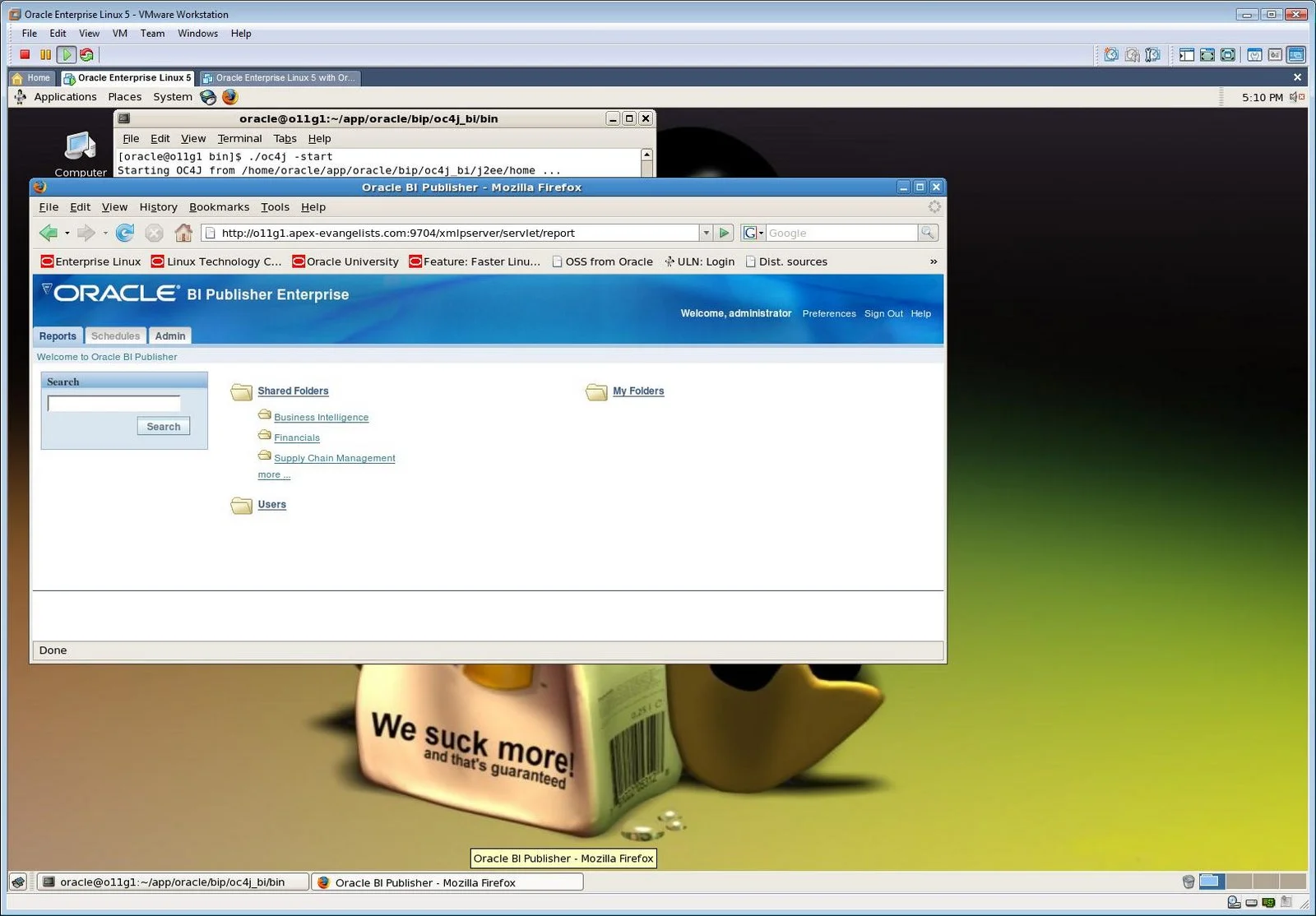
- Go for the defaults, which means you get a proper oc4j for your BI Publisher
- To configure your APEX with BI Publisher you may want to read my previous blog post.
Be sure you did all pre and post installations for your DB and BIP.
 |  |
Installation of BI Publisher Desktop 10.1.3.3.1 in Windows Vista
Installing software to demo on your daily OS, isn’t maybe the smartest thing to do, but I already explained why I’m still doing it. Let’s hope my settings will still be good at OOW ;-)
- Download and install Java Runtime Environment (JRE) 6 Update 3
- Download and install Oracle BI Publisher Desktop
- You may want to read this before installing BIP Desktop on Vista.
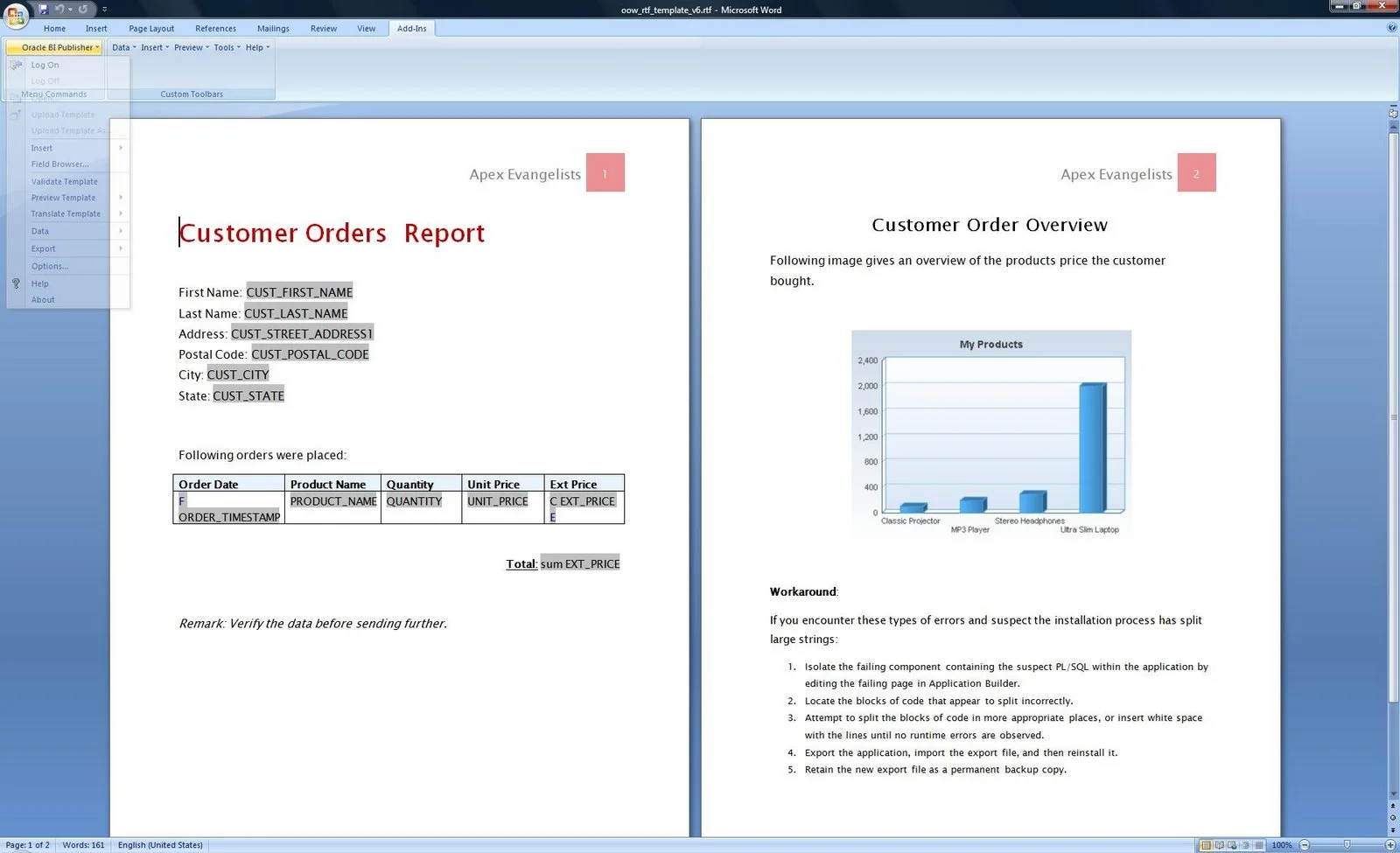
I went for all default settings. - In MS Word you’ll see the BIP Add-in (see screenshot)
Originally published on Blogspot.
Comments
No comments yet. Be the first.