Archive · 5 June 2021
Upgrading Oracle APEX has never been easier
Written 5 years ago. Oracle APEX has moved on a lot since; check the current Oracle APEX posts too.
On May 12th Oracle APEX 21.1 was released.
This post is not about why Oracle APEX 21.1 is worth an upgrade. You can see for yourself if you like the improvements in the Release Notes. Some companies upgrade once a year, some wait for the patch set bundle, and some upgrade very fast.
We upgraded our production instance this weekend. I blogged about how we do the upgrades and try to minimize downtime in the past. But upgrades have become even easier!
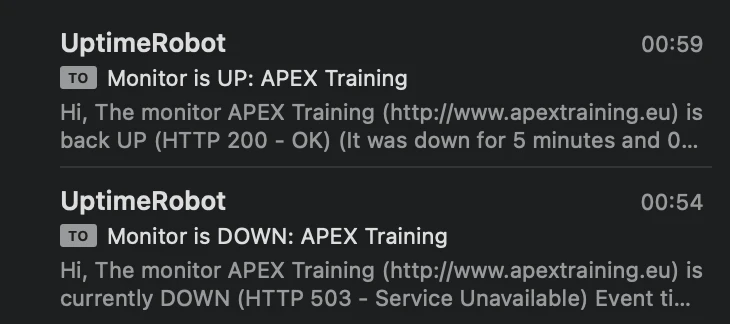
While the Oracle APEX kept running; 15 minutes install which of 5 minutes downtime, and we were done!
Note: it’s always good to read the installation guide.
Below what we did:
- Download Oracle APEX
- Unzip
- Go into the directory
- Connect to the Oracle Database with SQLcl or SQLPlus
- Run 1 command:
@apexins.sql SYSAUX SYSAUX TEMP /i/That was it! … the installation did everything for us… and again this was in a live environment!
ORDS knows now that an APEX install is busy and suspends traffic for a certain time and next it comes up again:
Phase 1: no downtime
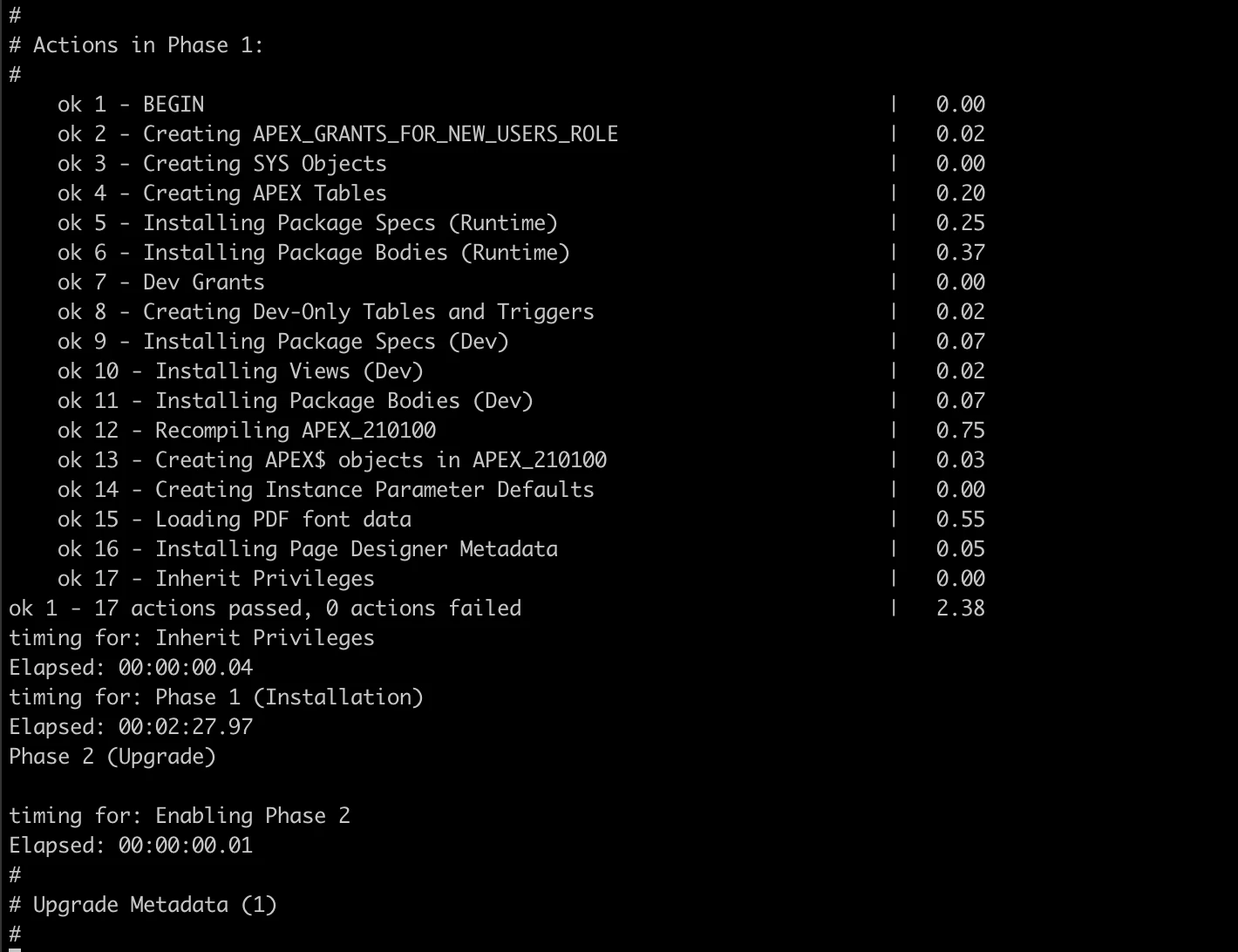
Phase 2 and 3: small downtime during phase 3 switch:
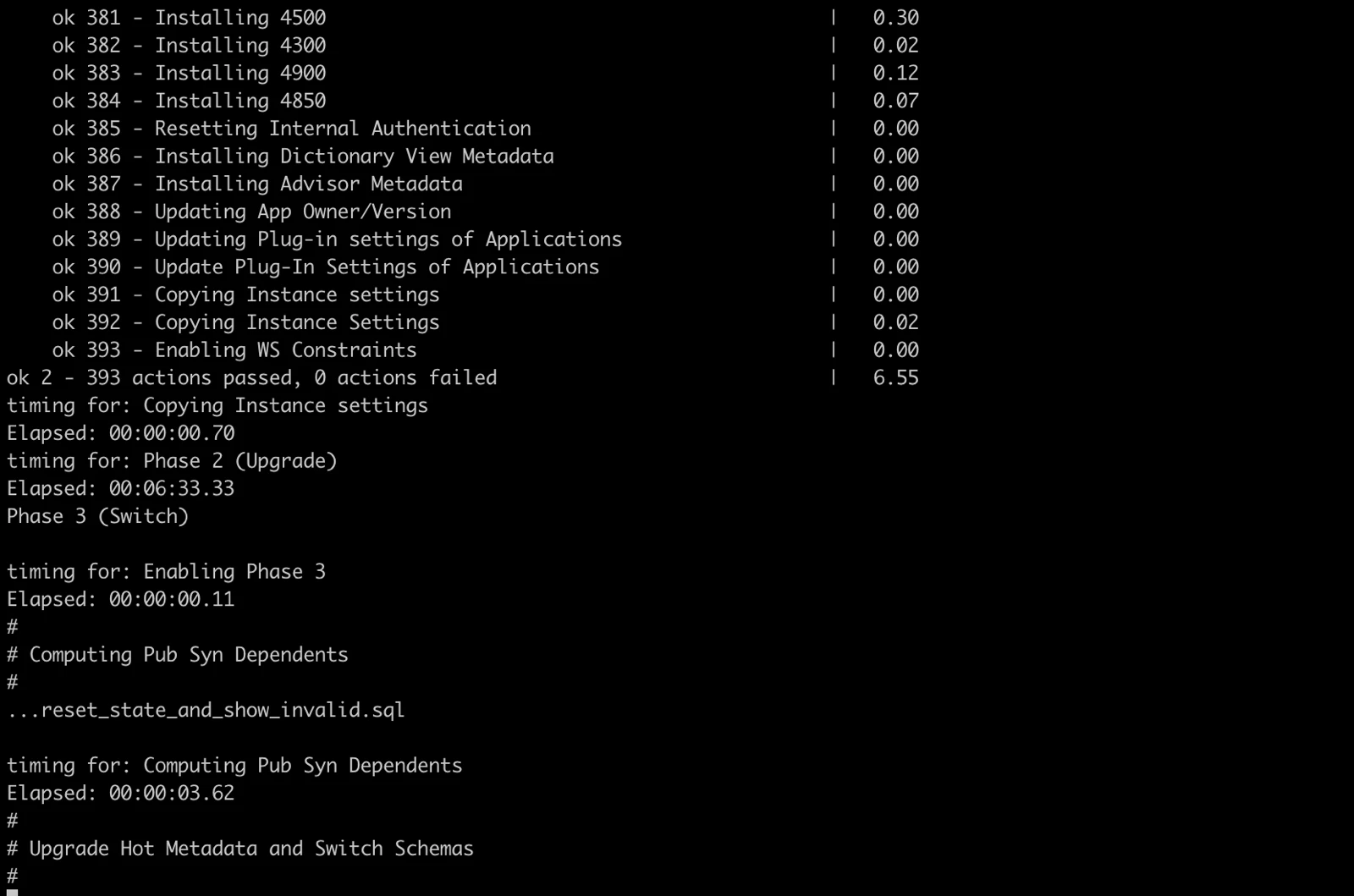
And done:
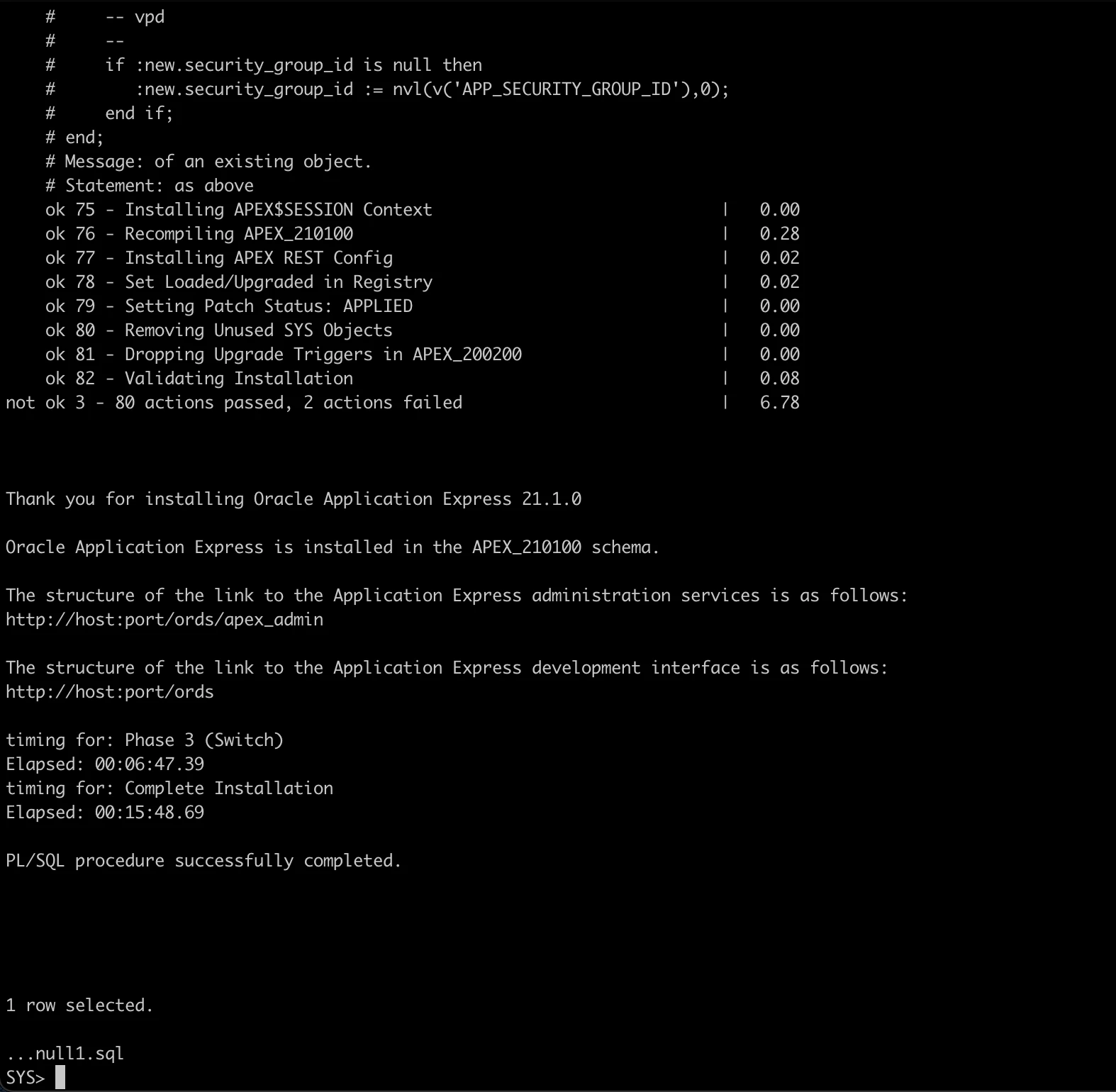
During Phase 3 downtime, I copied the new images folder.
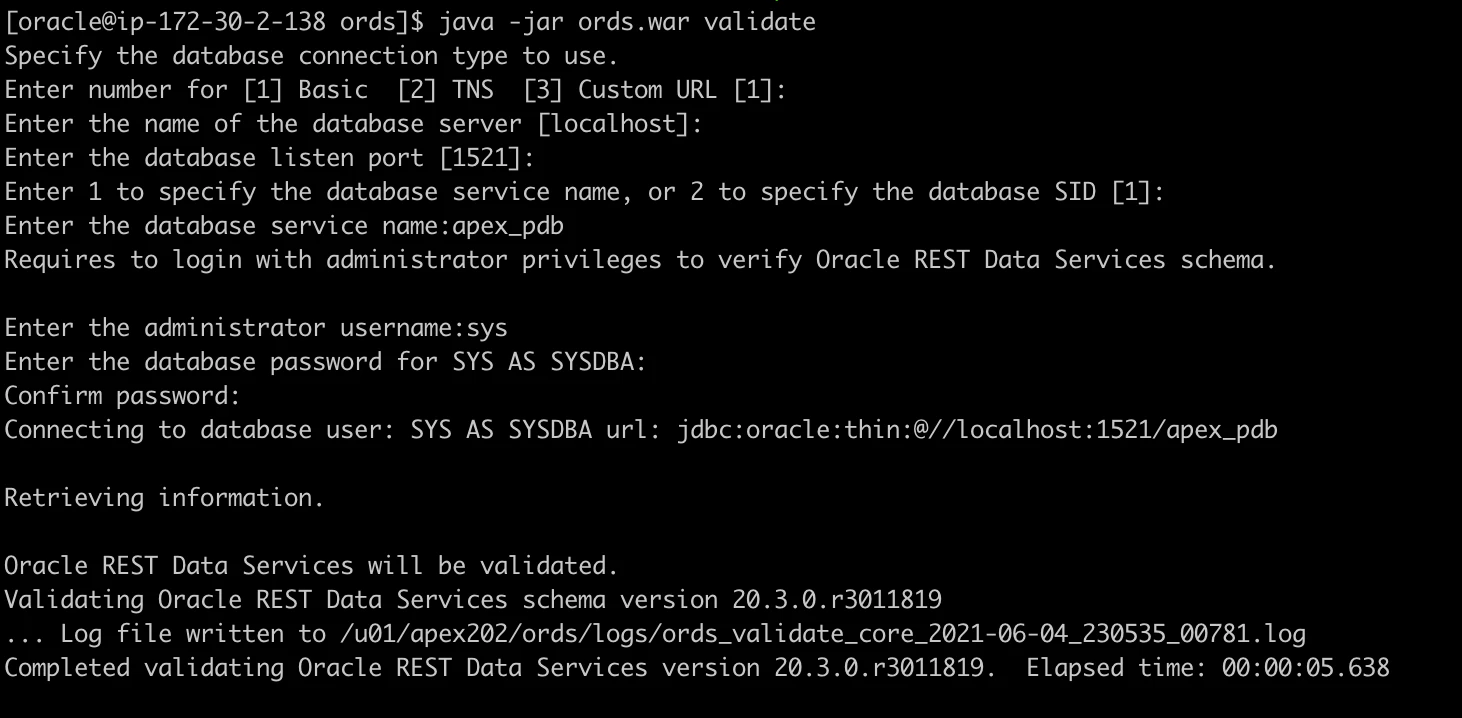
I believe it wasn’t really necessary as everything was working, but I did run the ORDS validate after the APEX install just to check it (while ORDS was still running):
And the proof of the max 5 minutes downtime:
I’m really impressed by the install and upgrade, it’s basically an autonomous process these days 😀
Originally published on Blogspot.
Comments
No comments yet. Be the first.