Archive · 17 September 2019
Free Oracle Cloud: 2. Setup Autonomous Transaction Cloud (ATP)
Written 7 years ago. Oracle APEX has moved on a lot since; check the current Oracle APEX posts too.
This post is part of a series of blog posts on the Best and Cheapest Oracle APEX hosting: Free Oracle Cloud.
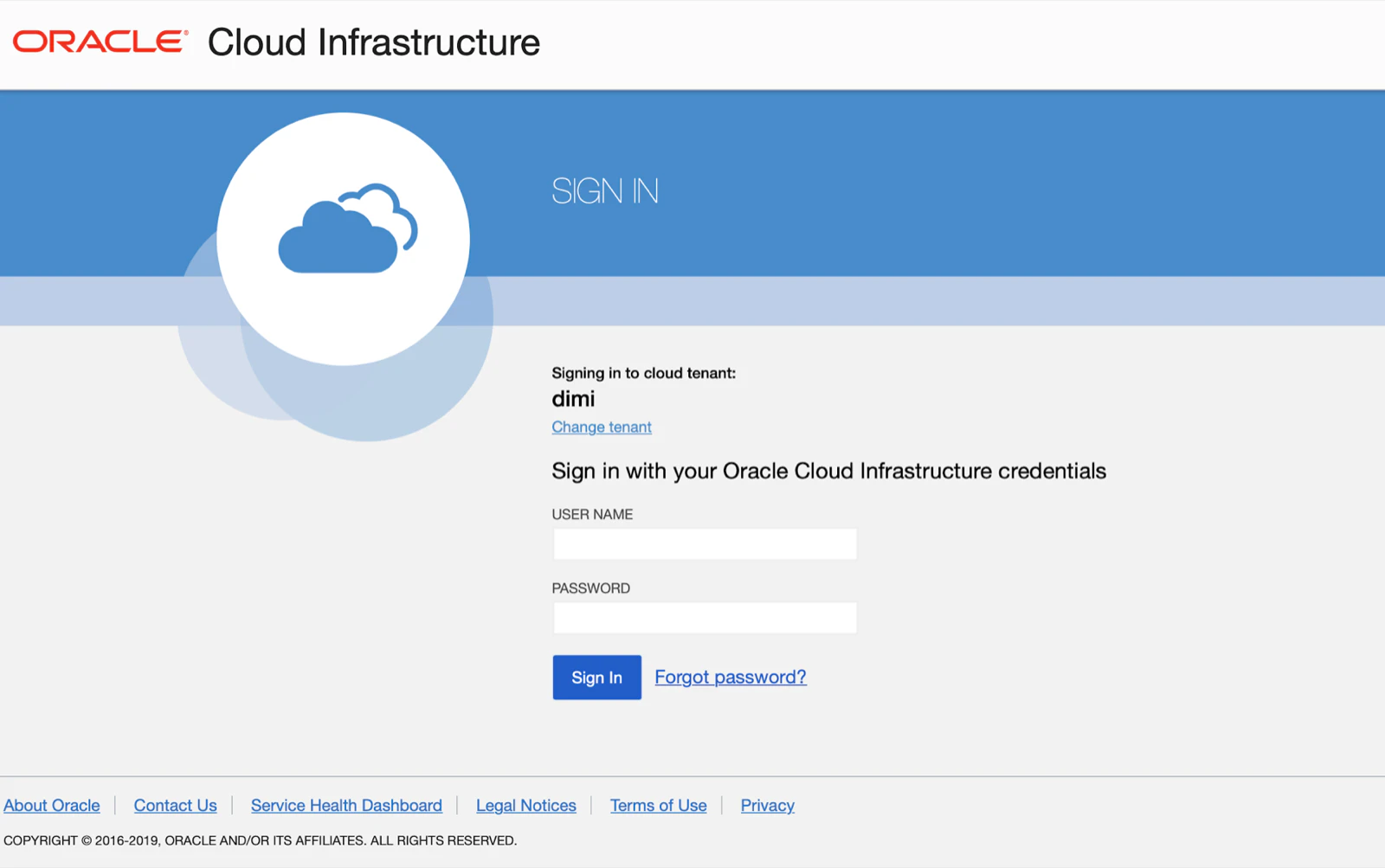
In step 1 we signed-up for the Free Oracle Cloud. Once we receive the email that everything is setup, after logging in you will see in the Oracle Cloud dashboard an “Always Free Eligible” box.
In this post we will create our first FREE Oracle Autonomous Transaction Database.
Login to the Oracle Cloud:
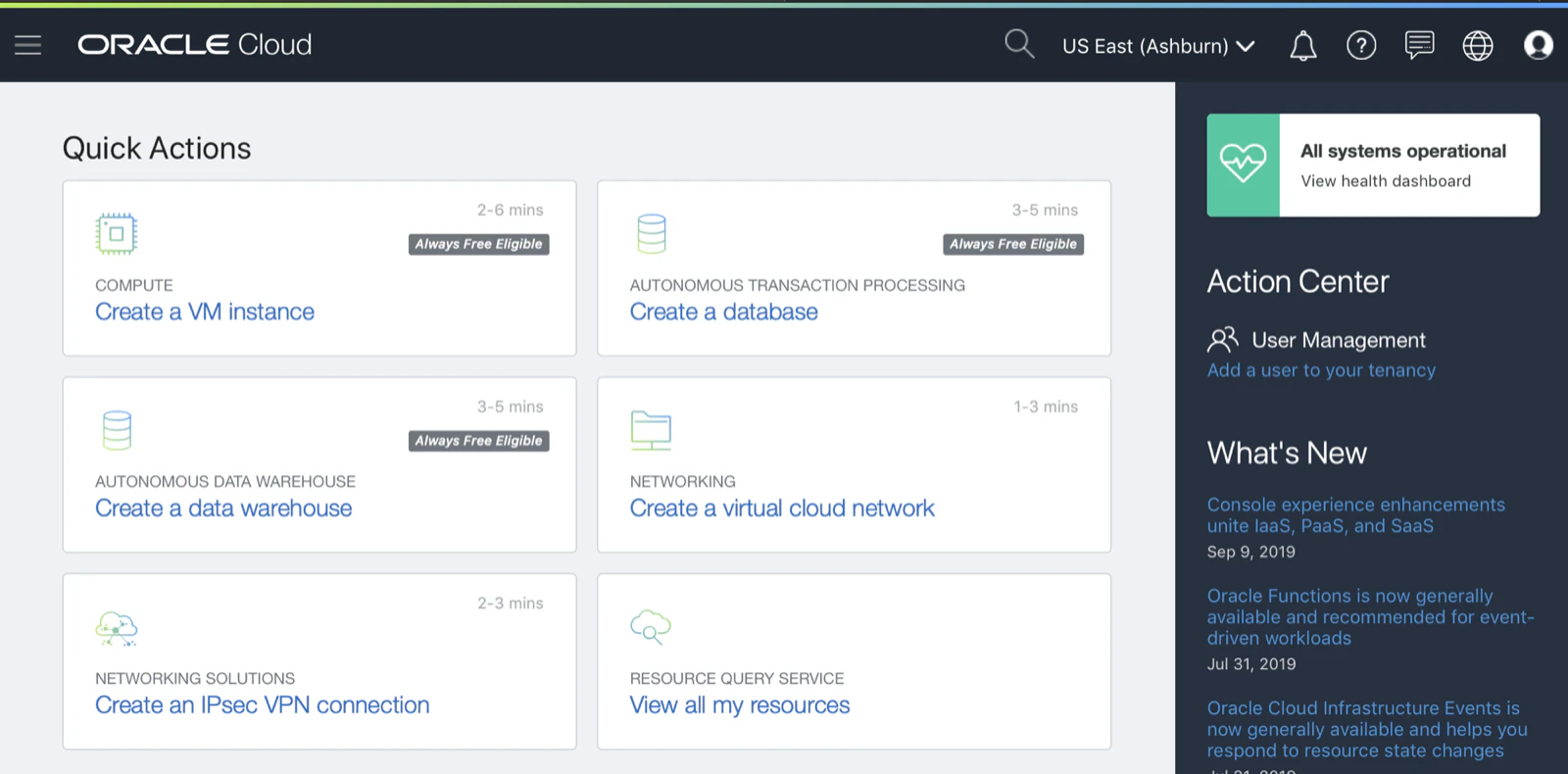
Click the Create a database link.
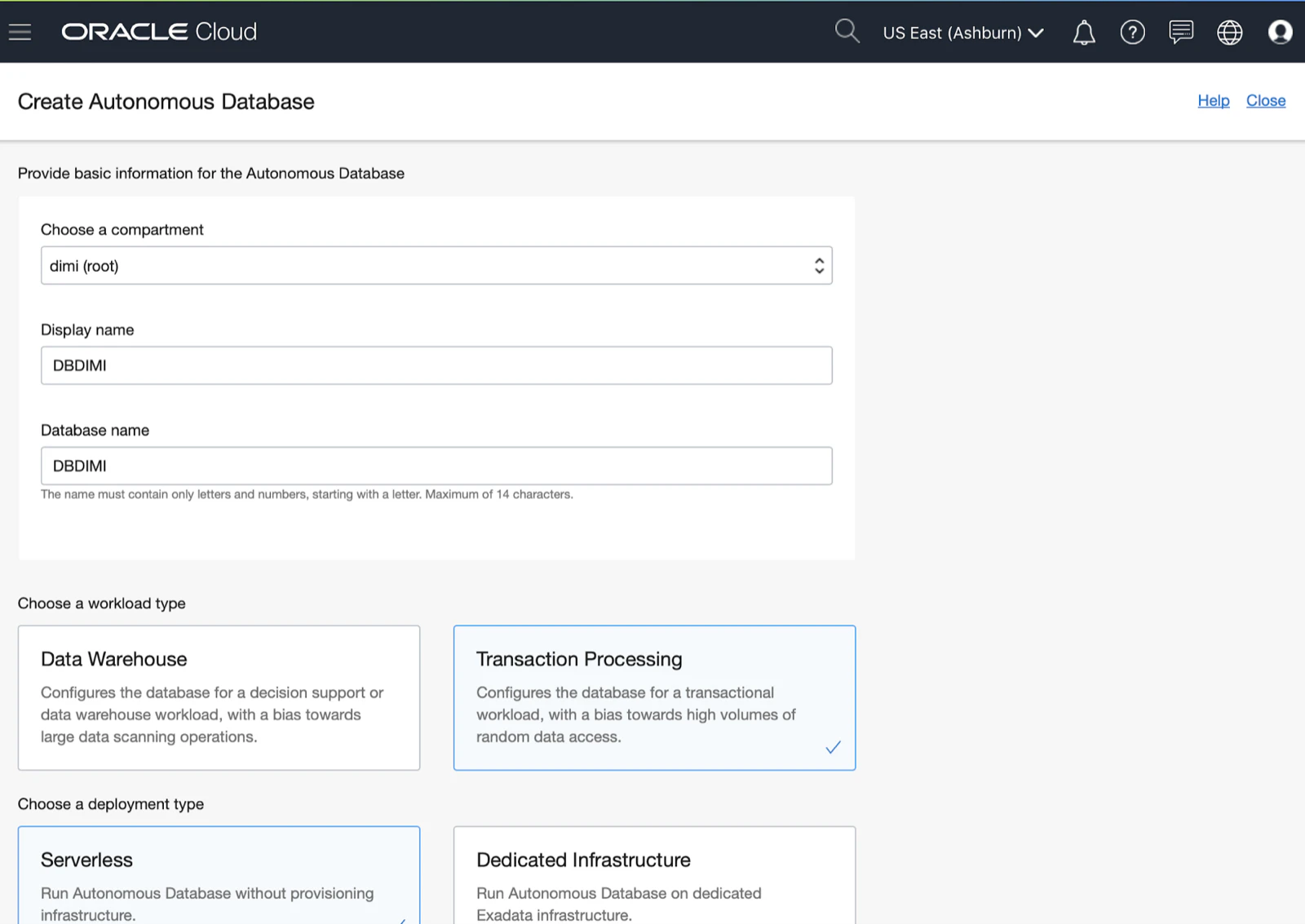
Give the database a name and select the type of workload you want to create. In most Oracle APEX projects I believe Transaction Processing is the one to go with:
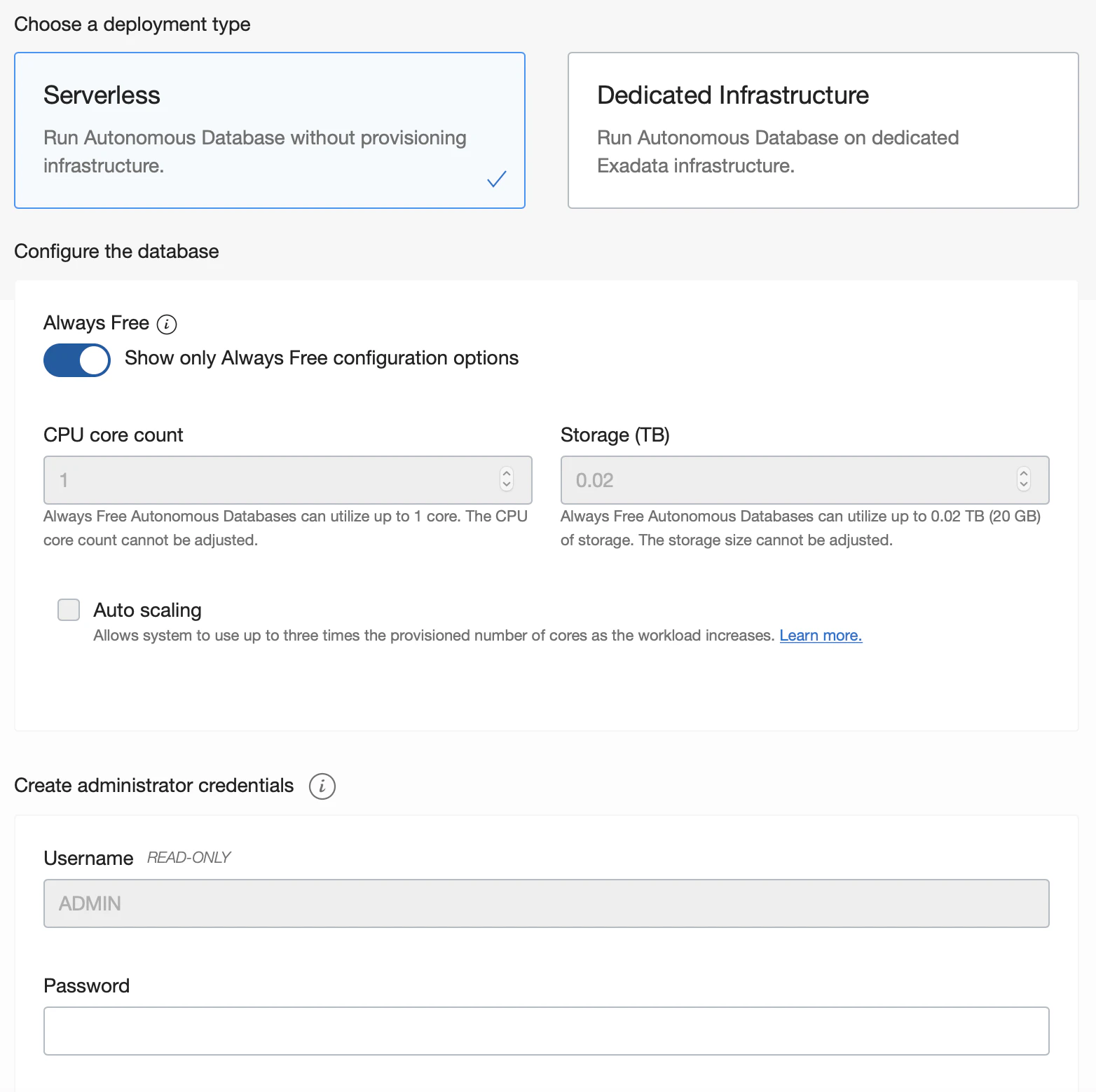
Scrolling down on the page will show the Always Free switch, make sure to enable that :)
Further down you will need to provide some credentials that you will use to login later on.
Hit the Create Autonomous Database button and you will receive a detail screen that the provisioning has started:
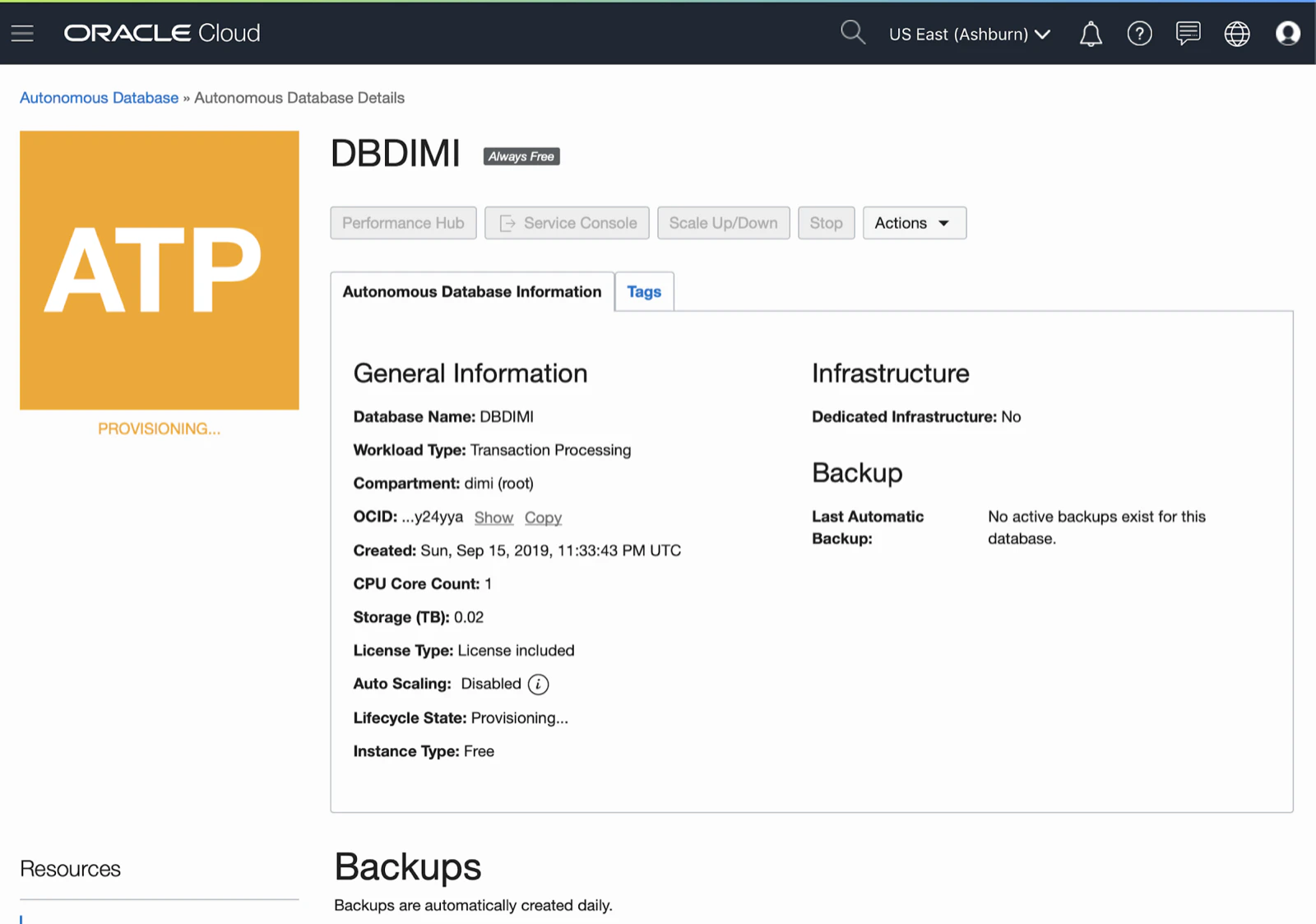
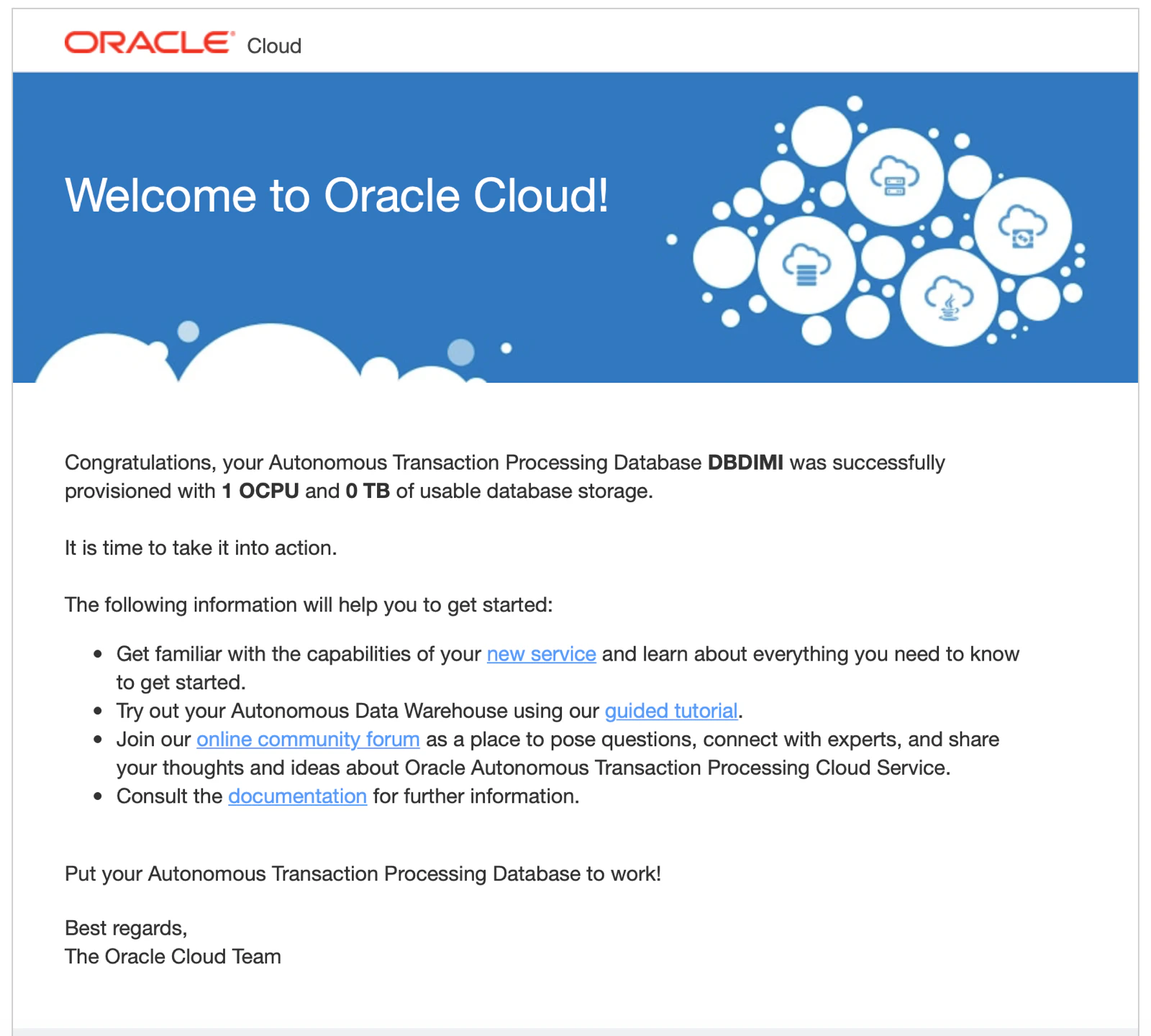
You can now navigate to other parts of the Oracle Cloud. You will also receive an email when the provisioning is complete:
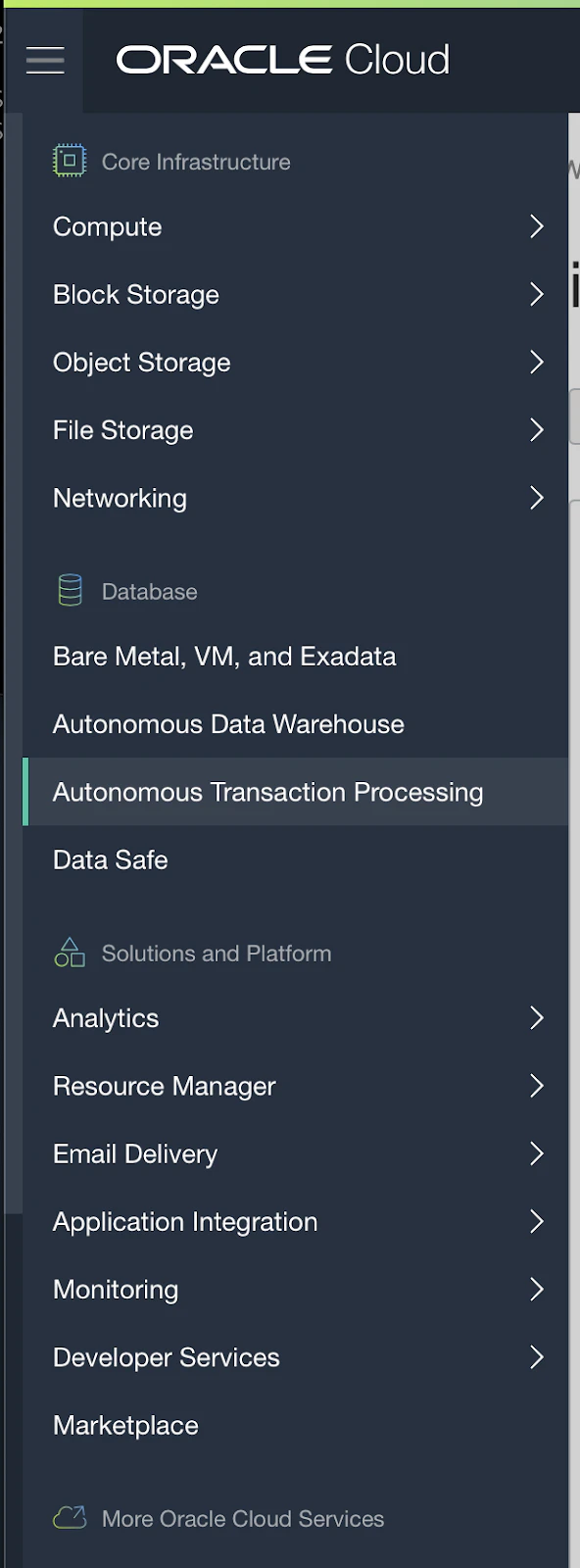
In the navigation (hamburger icon top left) click on the Autonomous Transaction Processing link and you will see the dashboard of the Autonomous Databases you have:
 | 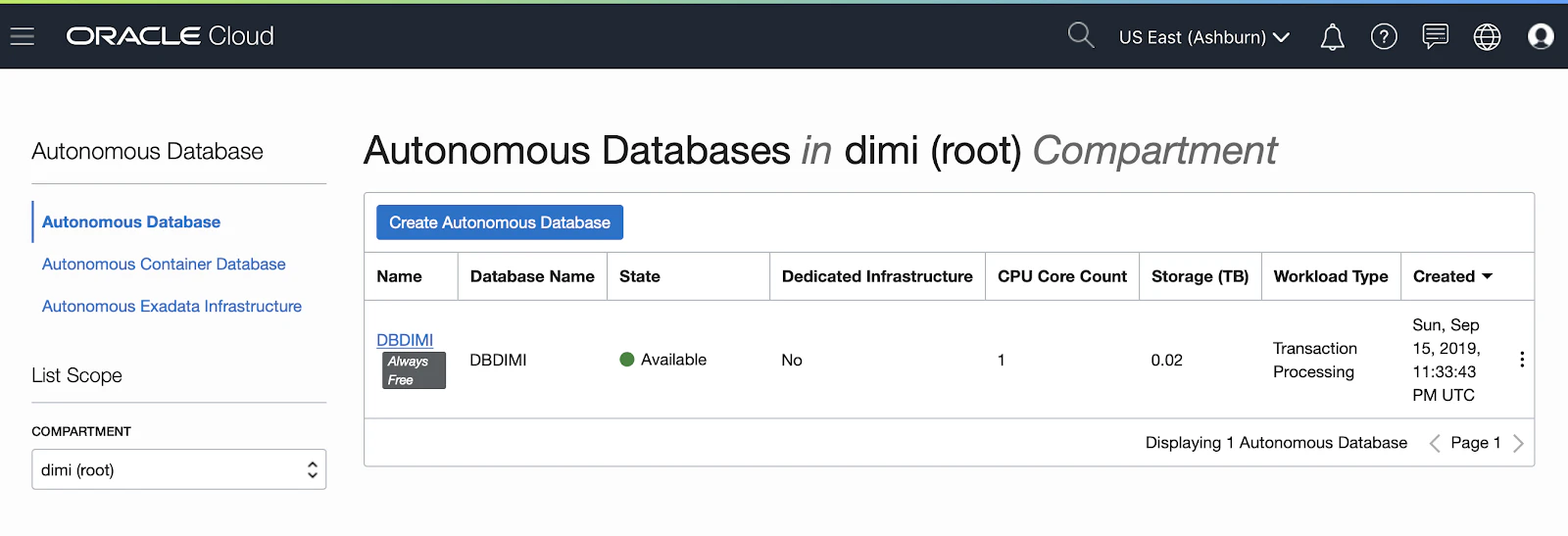 |
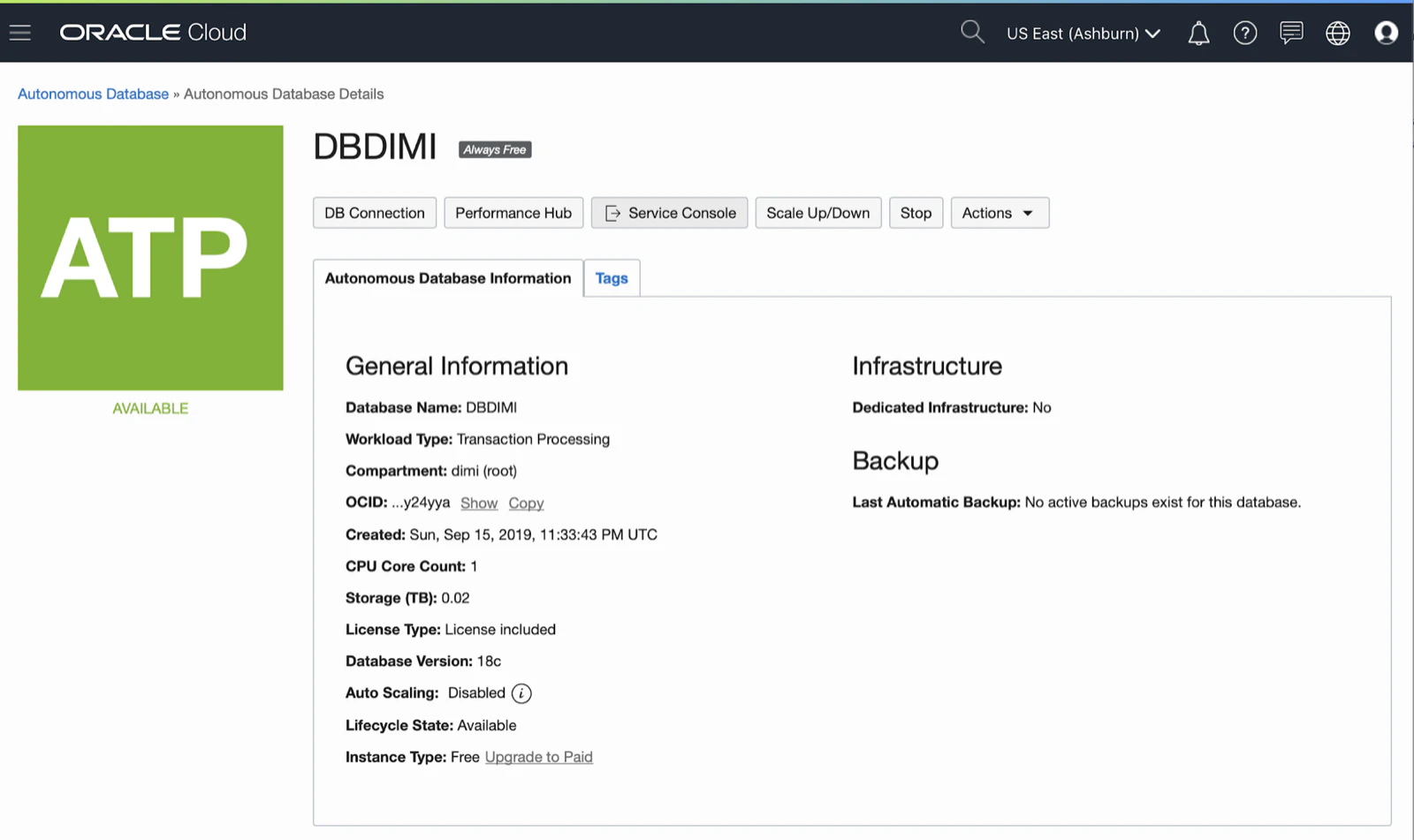
Once it’s available you can click on it and see all details:
In the next post we will connect to our new Free Oracle Autonomous Database.
Originally published on Blogspot.
Comments
No comments yet. Be the first.