Archive · 23 September 2017
Multiple APEX Workspaces in one Oracle Exadata Express Cloud account now possible
Written 9 years ago. Oracle APEX has moved on a lot since; check the current Oracle APEX posts too.
Last night my Oracle Exadata Express Cloud account was updated to APEX 5.1.2, but there was more updated once I looked closer into the dashboard.
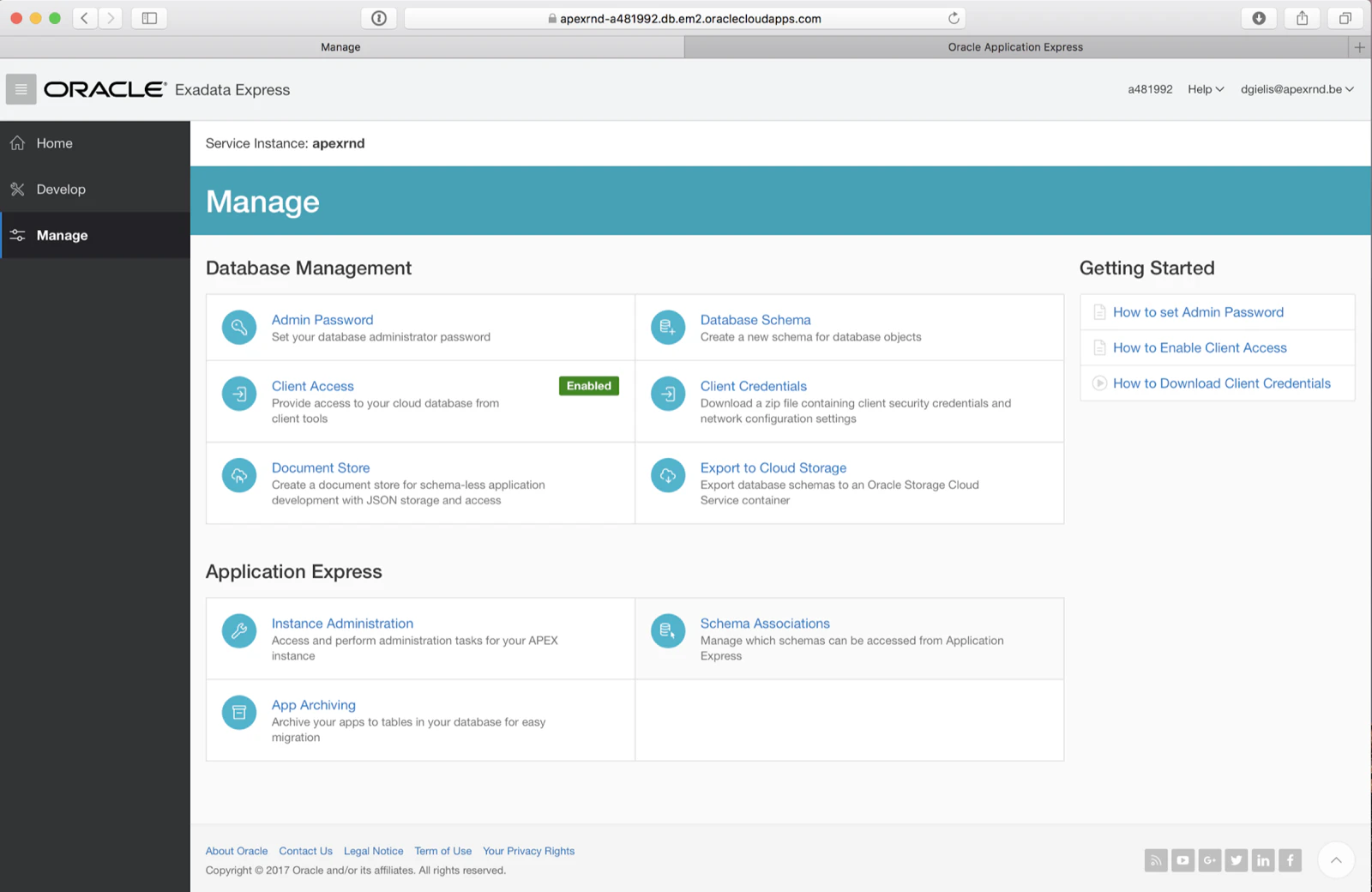
Before we could already create multiple Oracle schemas, but from now on within one Oracle Exadata Express account you can create multiple APEX Workspaces.
Go to Instance Administration under the Application Express setting in Manage:
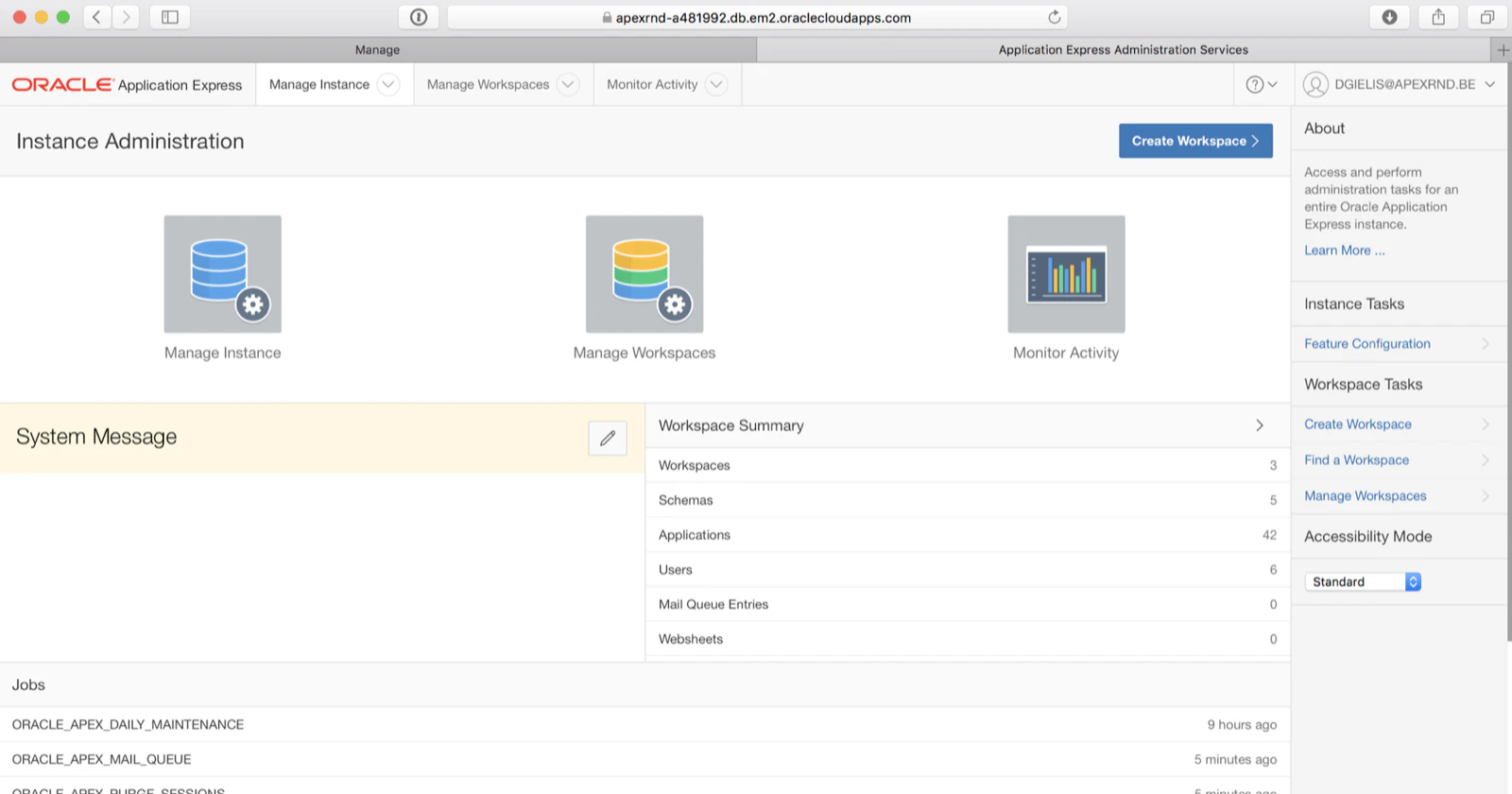
Clicking on Manage Workspaces > Create Workspace
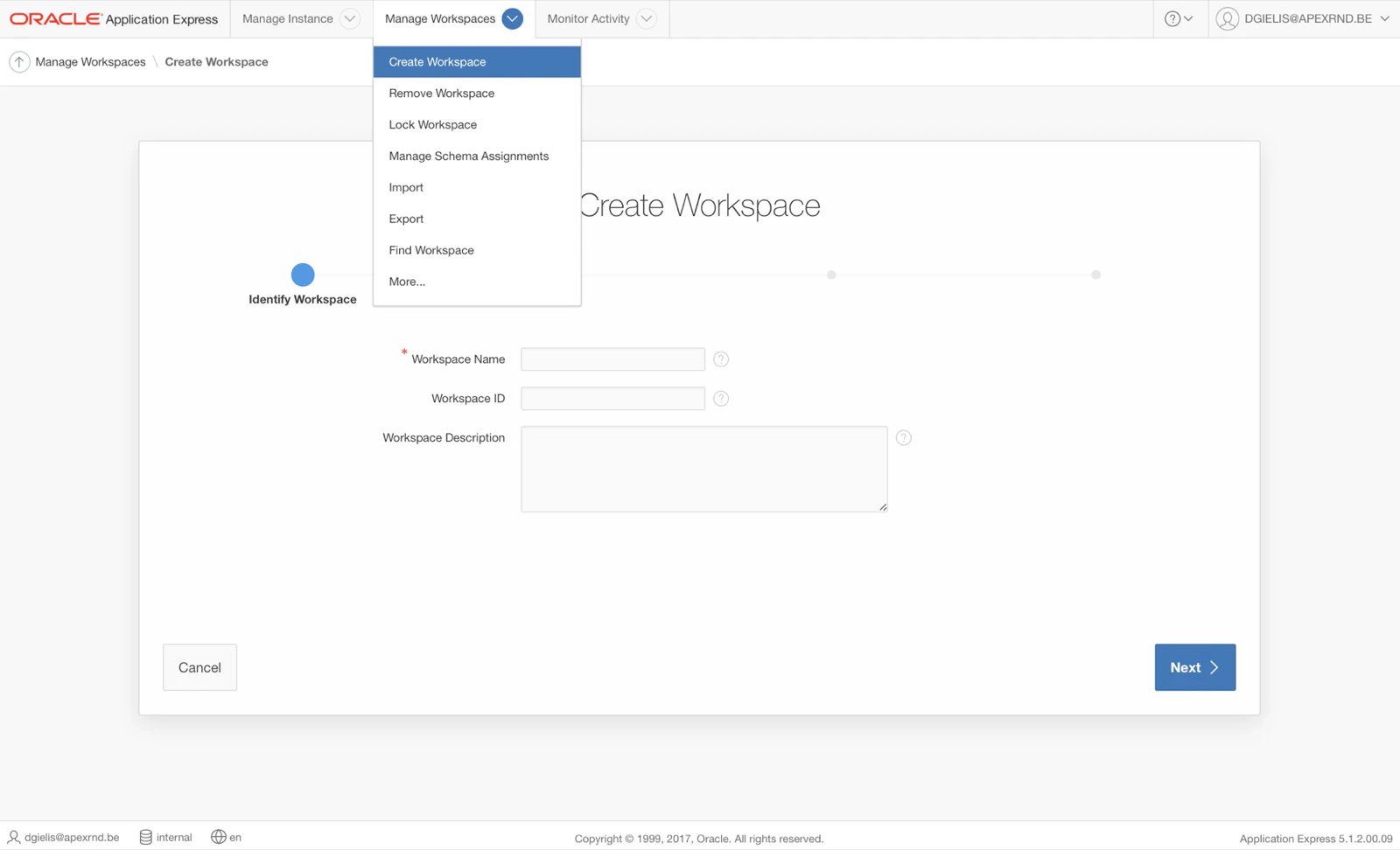
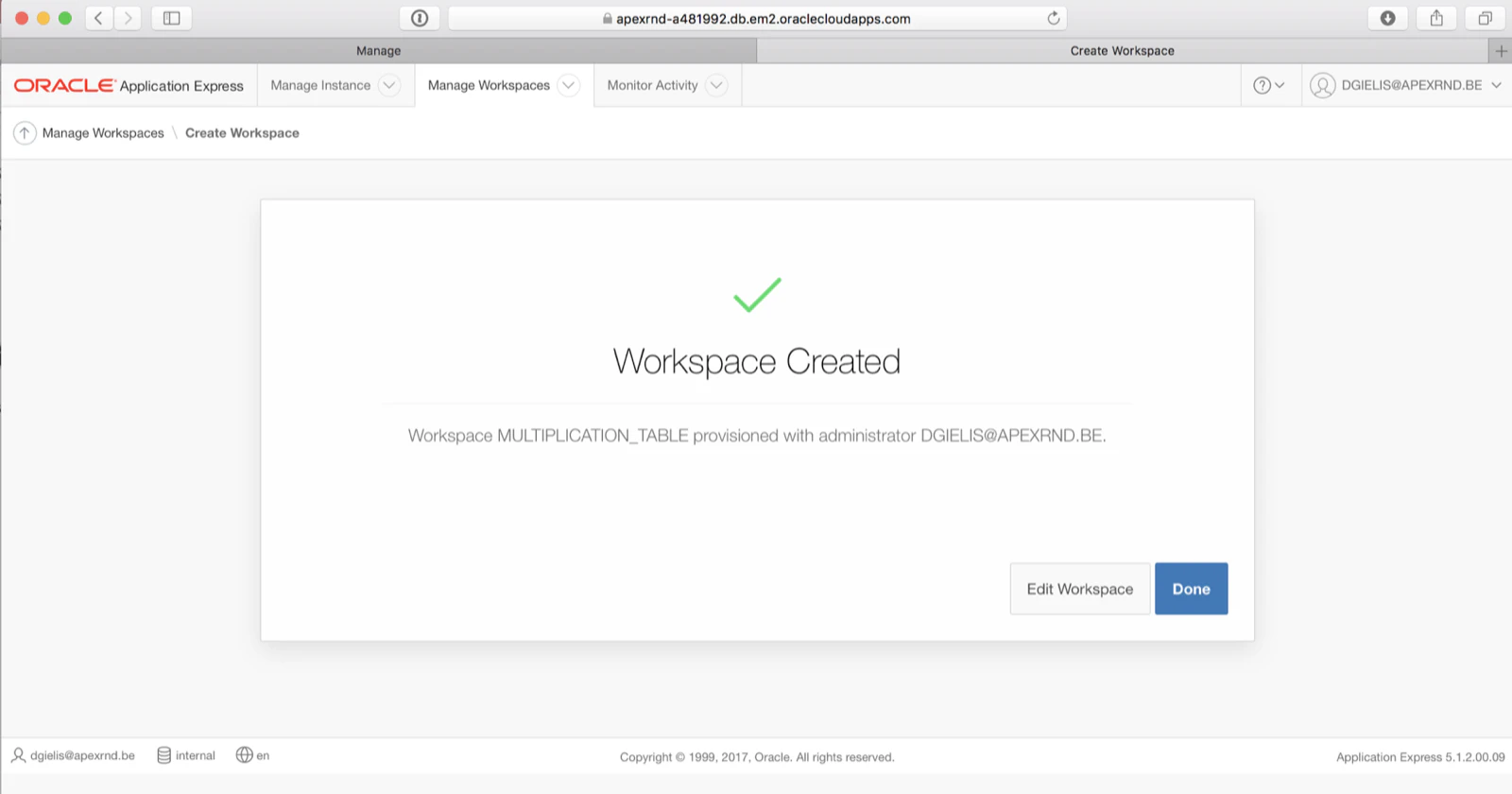
Just follow the wizard; you can attach the workspace to an Oracle database schema and once finished you will see.
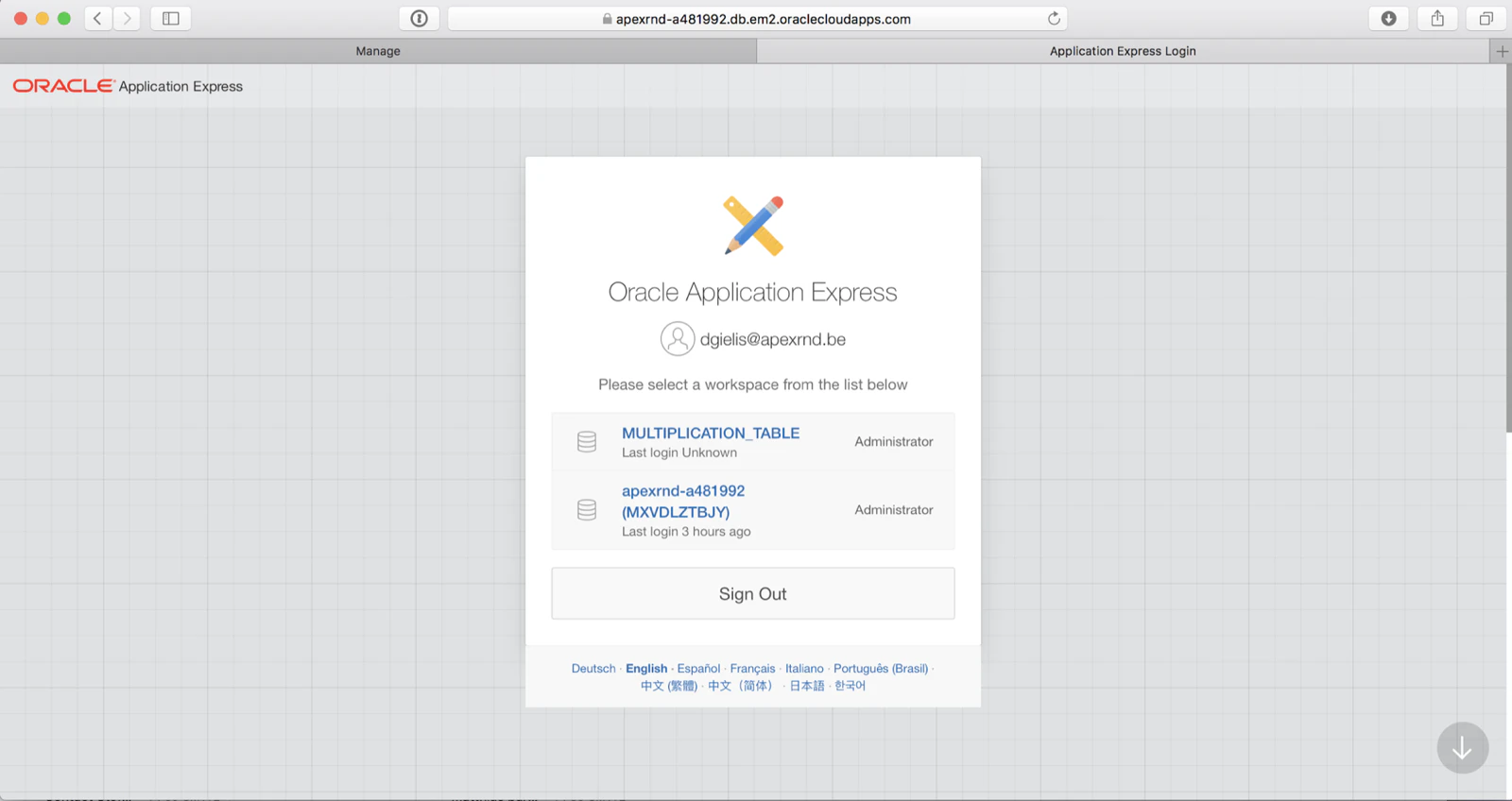
Now when you login again in your Oracle Exadata Express account and go to the APEX App Builder it will ask you which workspace you want to login to:
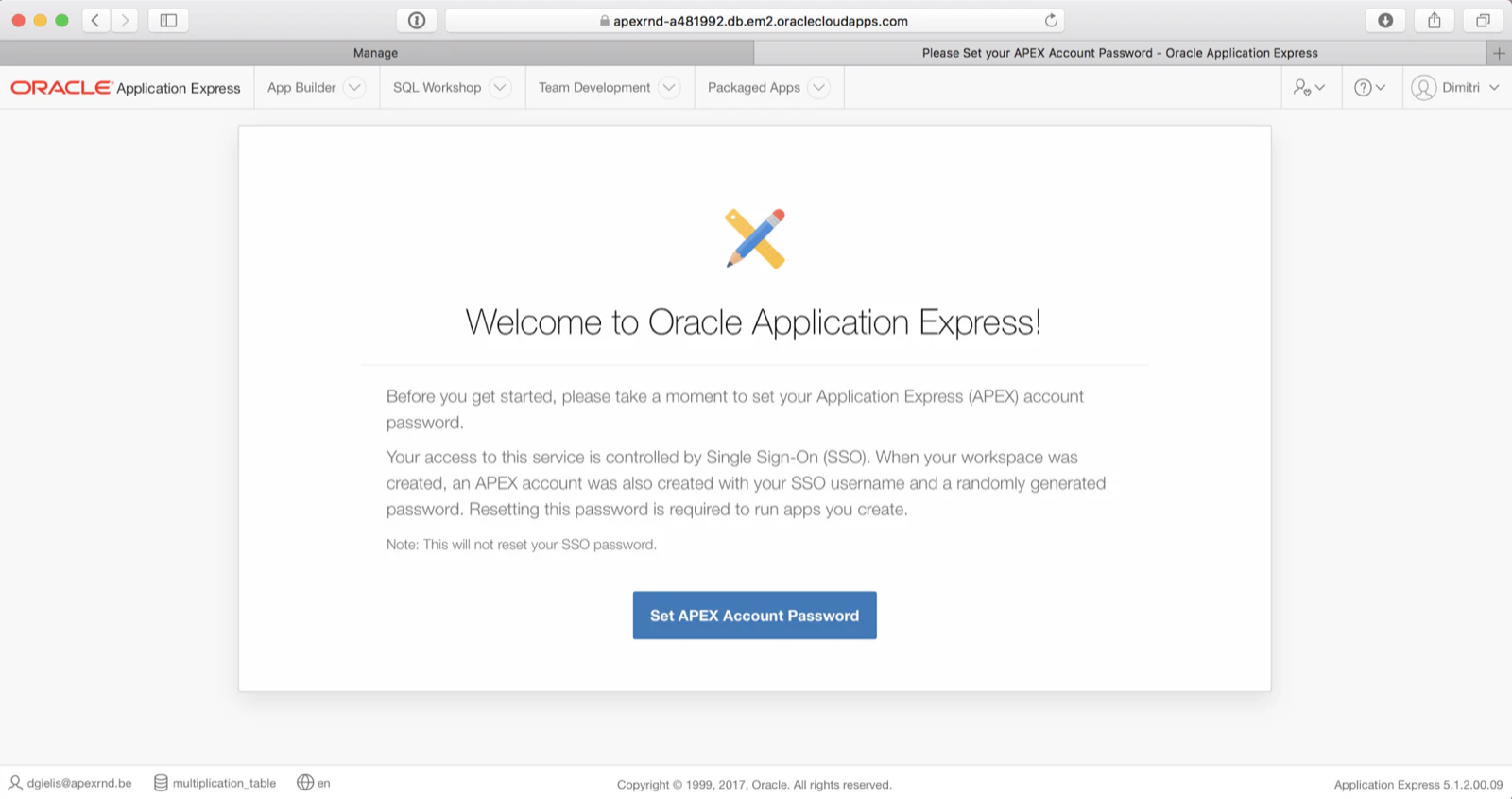
The first time it will give you a welcome message and asks to set a password
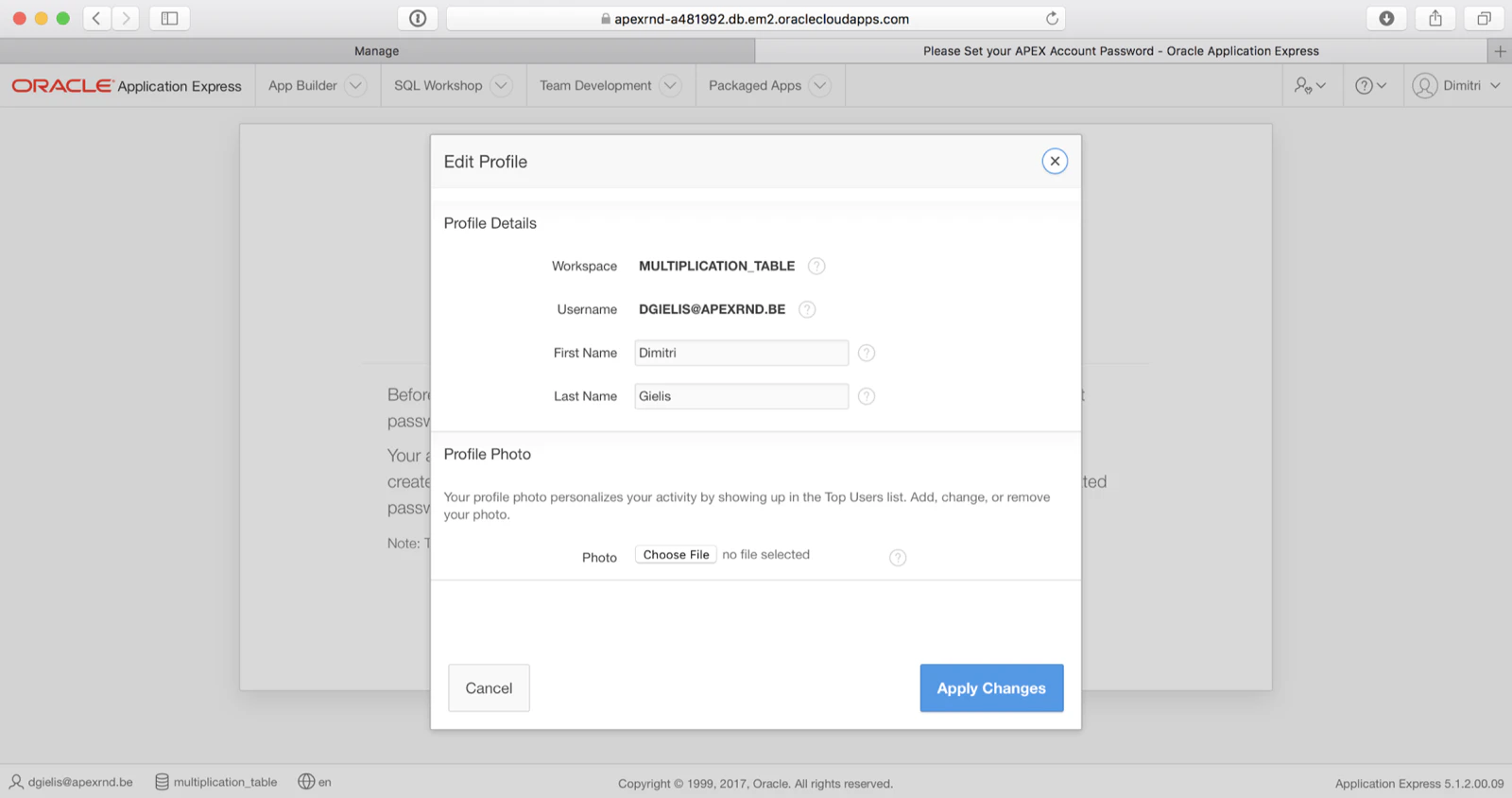
As it’s an Oracle cloud account with identity management, I don’t really need to set a password, I just need to confirm my profile
That’s it! You are now in your new Oracle Application Express (APEX) Workspace.
It’s very nice to see Oracle Exadata Express getting better with every maintenance release. Thanks Oracle :)
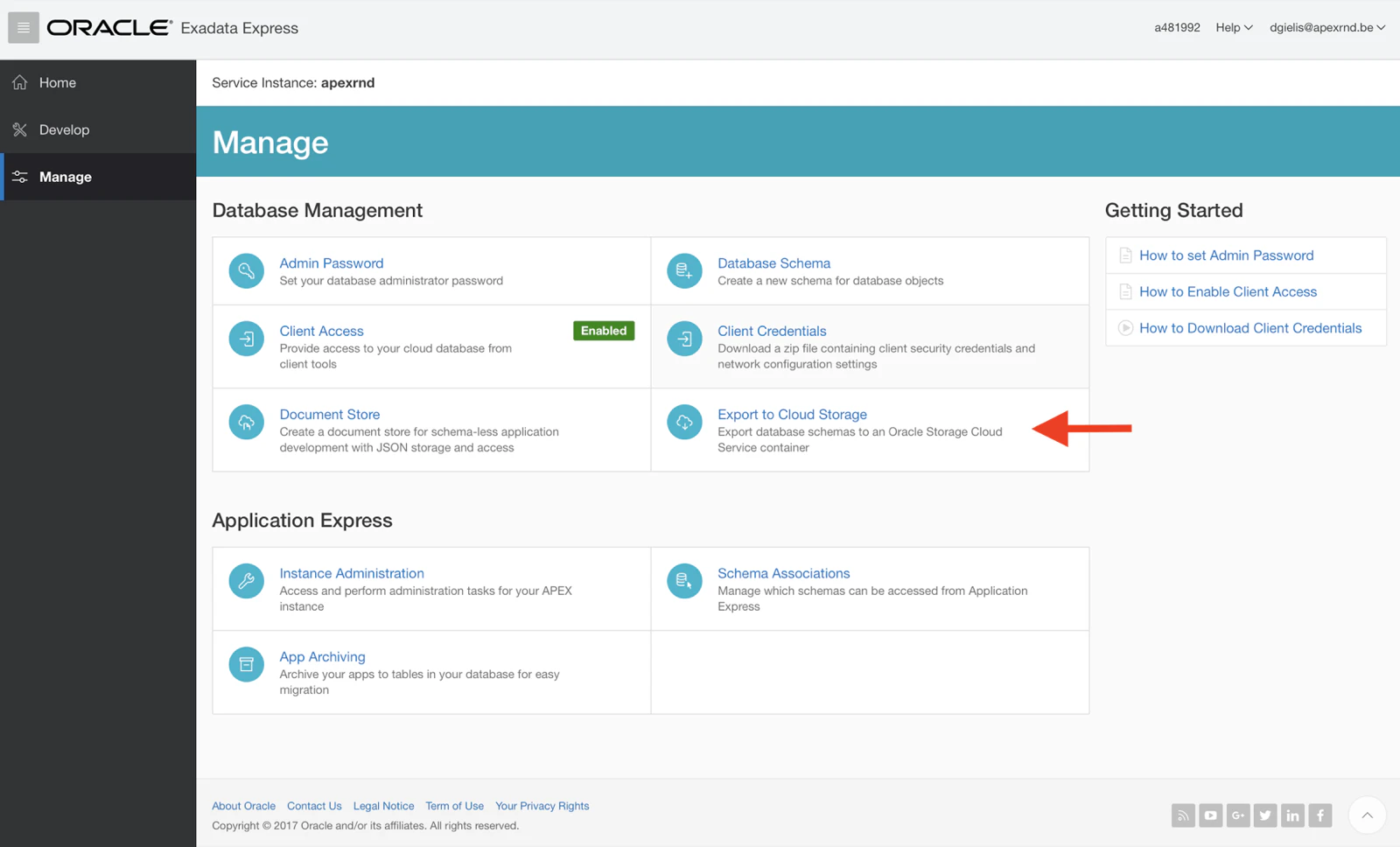
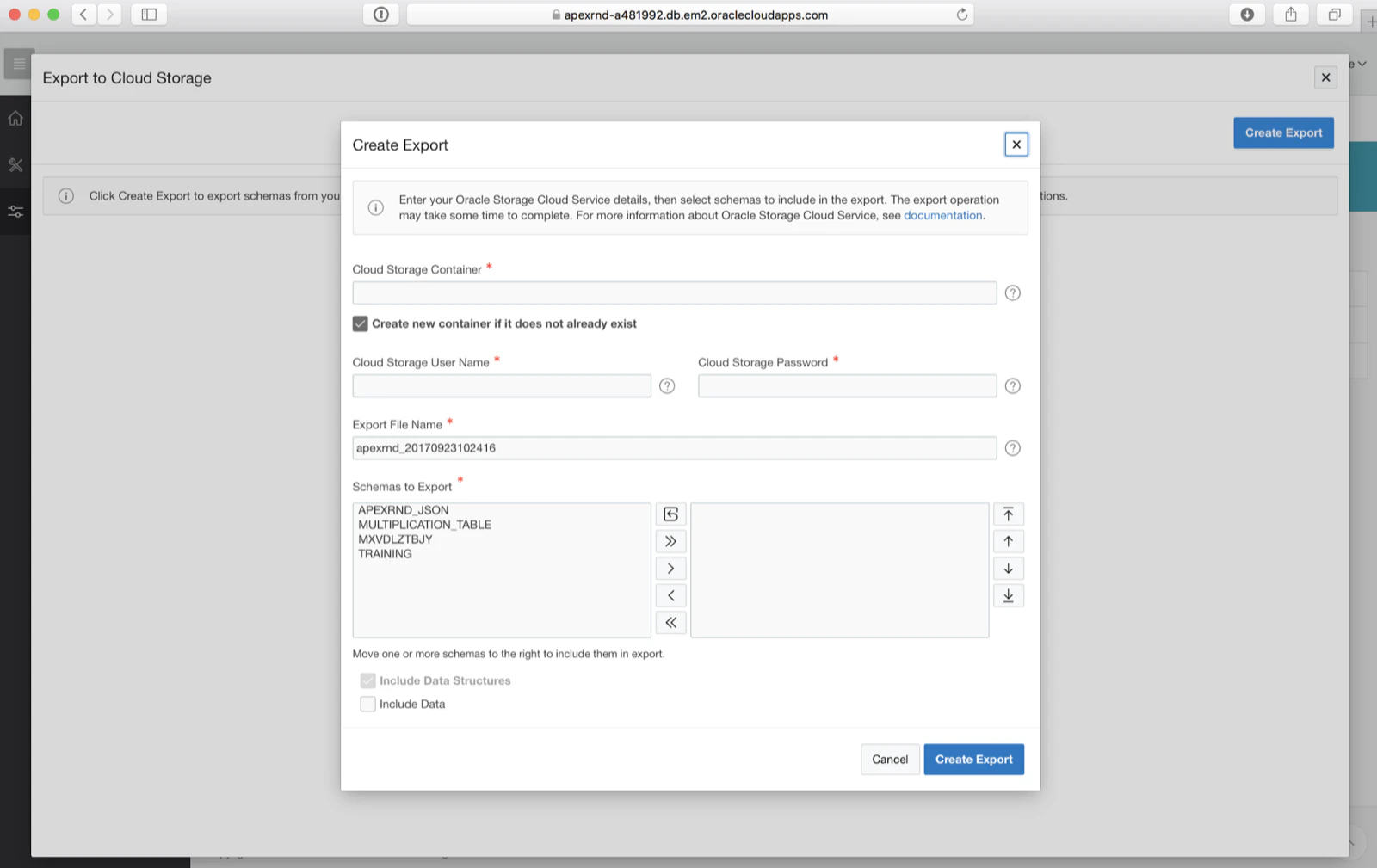
Update 23-SEP-2017: another new feature is that you can export your Oracle schemas and data to the Oracle Storage Cloud Service.
Go to Export to Cloud Storage:
Add your Oracle Cloud storage details and select the schemas to be exported:
Originally published on Blogspot.
Comments
No comments yet. Be the first.