Archive · 19 May 2015
Change first day of week in APEX 5.0 Calendar
Written 11 years ago. Oracle APEX has moved on a lot since; check the current Oracle APEX posts too.
APEX 5.0 comes with a new calendar region, which is way nicer than the previous calendar in APEX. It has more features, looks better and is also responsive. Behind the scenes you’ll see the calendar region is based on Full Calendar.
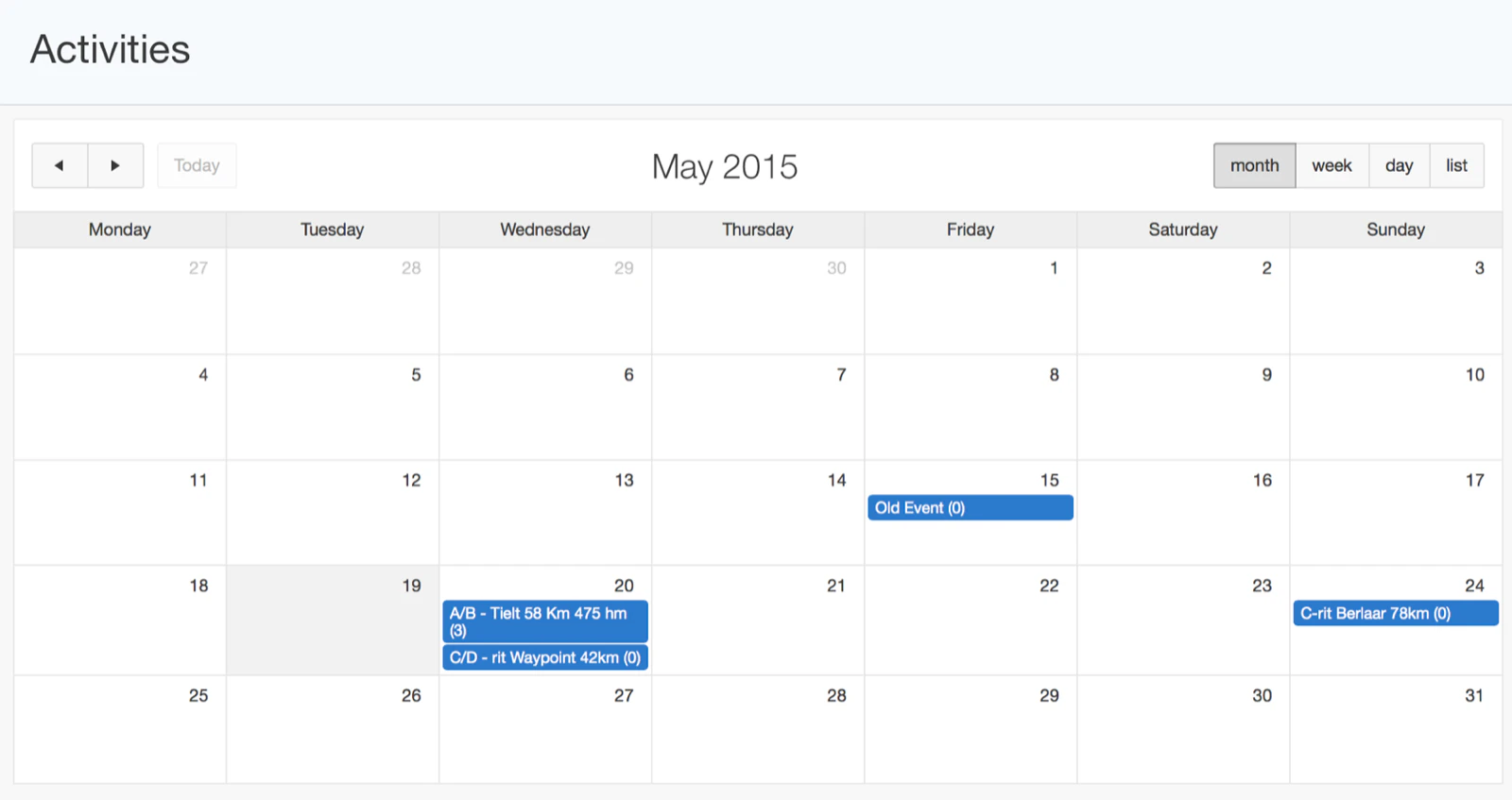
In Belgium we use Monday as first day of the week, whereas in the US they seem to use Sunday as start of the week in the calendar overview. I’ve been integrating Full Calendar before, so I knew that library had an option to set the first day of the week. You could either specify an option called firstDay and set that to 1, or you could change the language, and depending the language it would adjust the start day of the week.
In APEX 5.0 I looked for that option, but there’s not a specific attribute to set the first day of the week, instead it’s based on the language of your application. If you go to Shared Components > Globalization Attributes by default it’s set to en, which has Sunday as start of the week. If you set it to en-gb it will have Monday as start of the week.

I searched some time to find how to do it, so hopefully this post will help others to find it more easily. Thanks to Patrick for sharing the way it was implemented.
Originally published on Blogspot.
Comments
No comments yet. Be the first.