Archive · 11 September 2014
APEX 5.0: Bye bye Tabs, welcome to Navigation Lists
Written 12 years ago. Oracle APEX has moved on a lot since; check the current Oracle APEX posts too.
In previous versions of Oracle APEX (< 5.0) you could use Tabs for the navigation in your application.
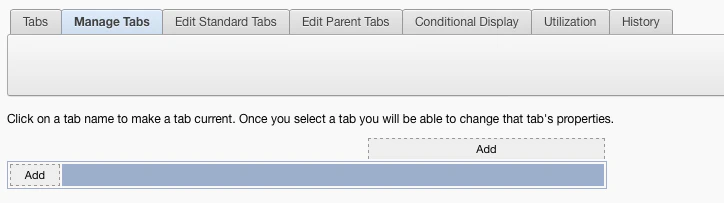
Tabs were not that flexible, they were typical on top of your page in a specific look and feel. Since APEX 4.x I started to dismiss using Tabs in most of the cases, instead I would use a List with the “Page Tabs” template if people wanted that look and feel.
APEX 5.0 introduces the concept of a “Navigation List” that replaces the tabs. It’s the same mechanism as before (a normal List which you find in Shared Components), but you can define in your User Interface which list to use as your Navigation List.
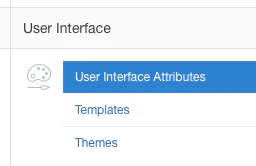
Go to Shared Components > User Interface Attributes:
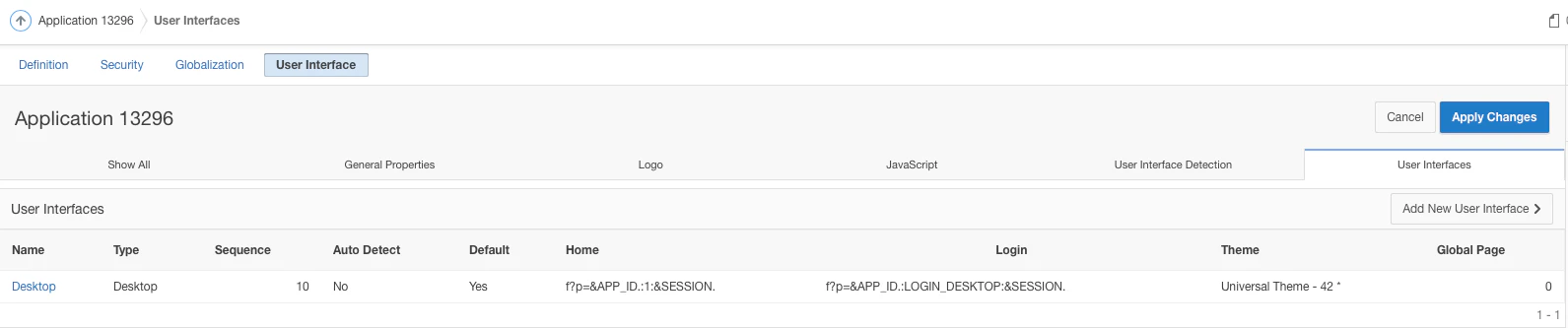
Next in the User Interface section, click on Desktop (or the User Interface you want to adapt):
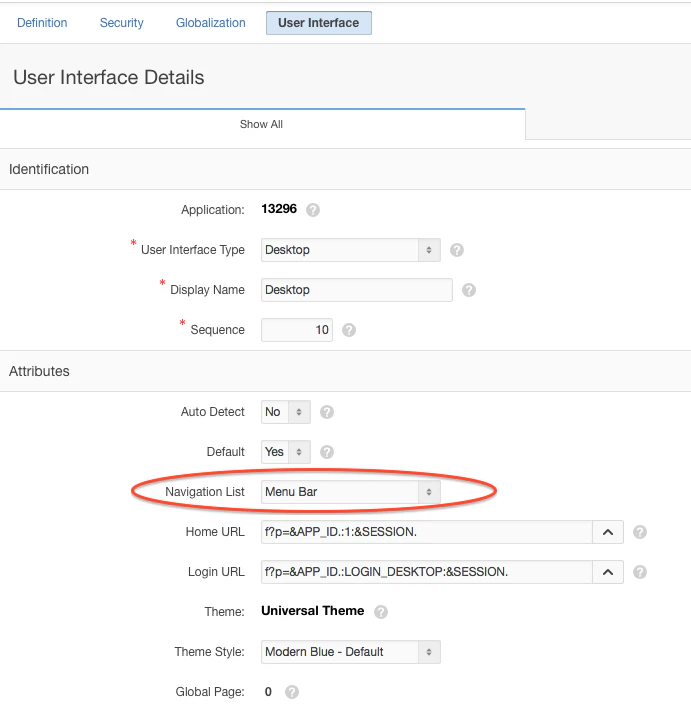
In the Attributes section you can define the List you want to use as “Navigation List”
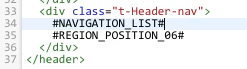
Behind the scenes the Navigation List is put on the screen where the #NAVIGATION_LIST# token is specified in your Page Template.
The Navigation List is another example where APEX 5.0 makes common behaviour of developers more declarative and embedded in the product.
Originally published on Blogspot.
Comments
No comments yet. Be the first.