Archive · 19 June 2014
APEX 5.0 - Button Appearance (template options + Font Awesome)
Written 12 years ago. Oracle APEX has moved on a lot since; check the current Oracle APEX posts too.
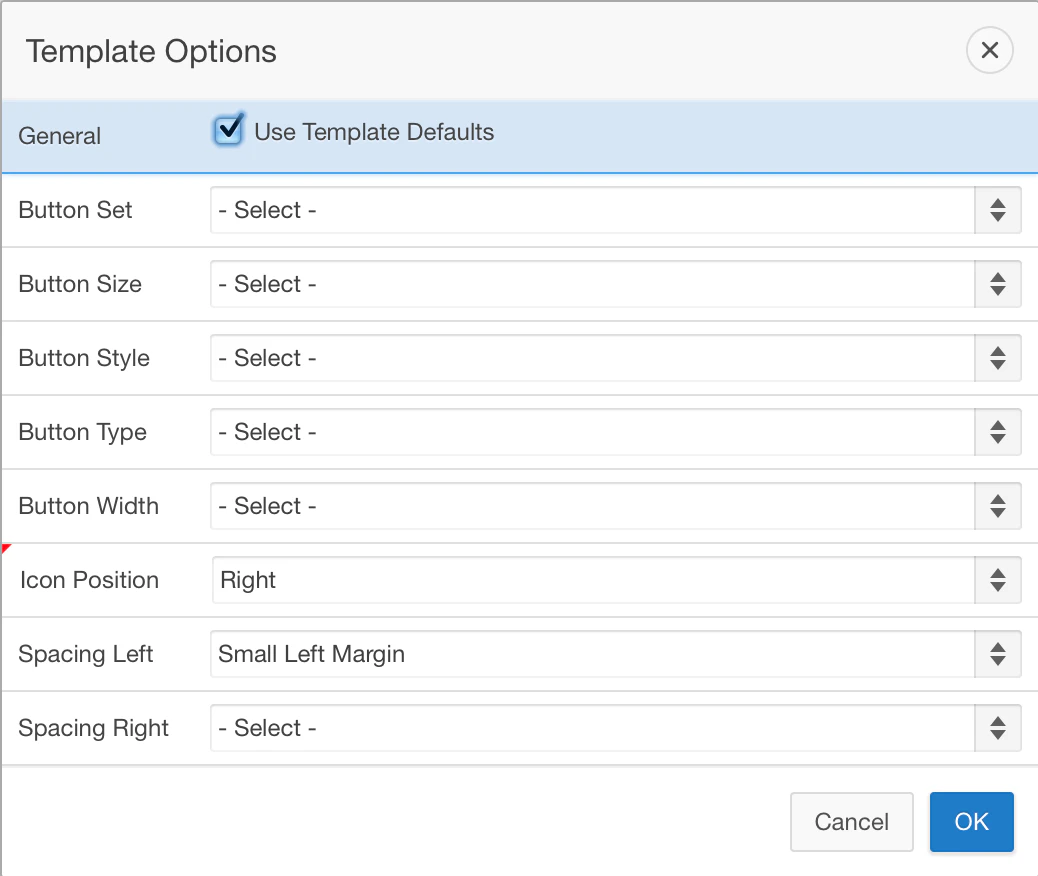
With the new template, the new buttons for example are highly customisable in APEX 5.0
(icon on the left or right, spacing between, etc.)

In the Appearance section you find kinda the same options as in APEX 4.x, but when you look a bit further, there’s so much more now.
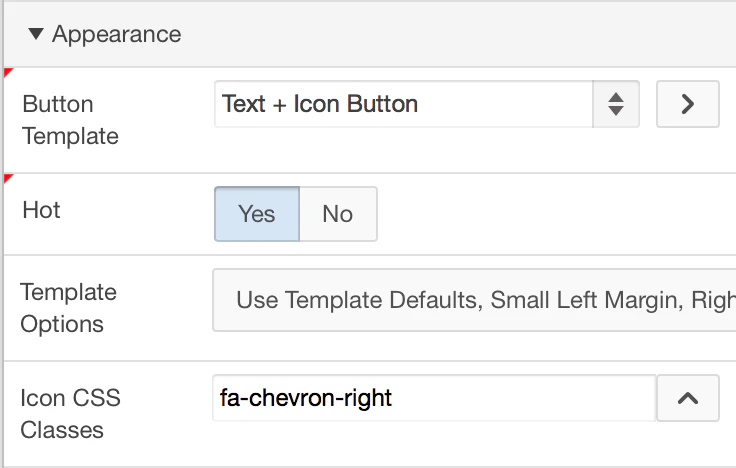
You can declaratively change the way your button looks like, by clicking the Template Options:
The icons you can chose for your button are based on Font Awesome, a great scalable vector icons library.
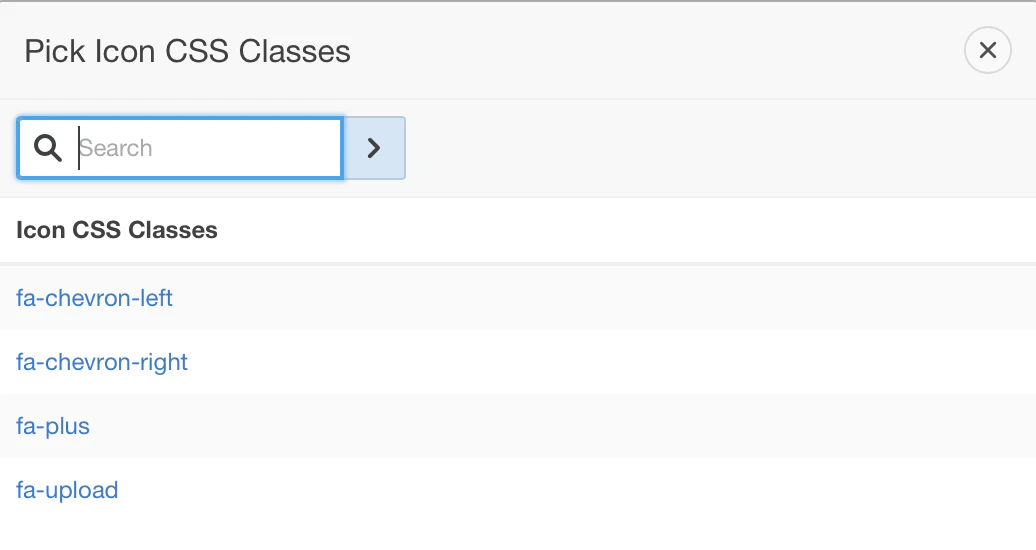
I use Font Awesome in APEX 4.x too, but I had to create a new button template and put the name of the icon in the class section. This is now all integrated and declarative in APEX 5.0.
Originally published on Blogspot.
Comments
No comments yet. Be the first.