Archive · 9 August 2012
APEX 4.2 EA: App Builder overhaul
Written 14 years ago. Oracle APEX has moved on a lot since; check the current Oracle APEX posts too.
This is the start of a series of blog posts about APEX 4.2 (at the time of writing EA).
APEX 4.2 looks completely different from any previous version of APEX.
The Application Builder became a “real” 2012 web application. Behind the scenes a lot of HTML5 and CSS3 features are used, which gives the App Builder a fresh look and feel.
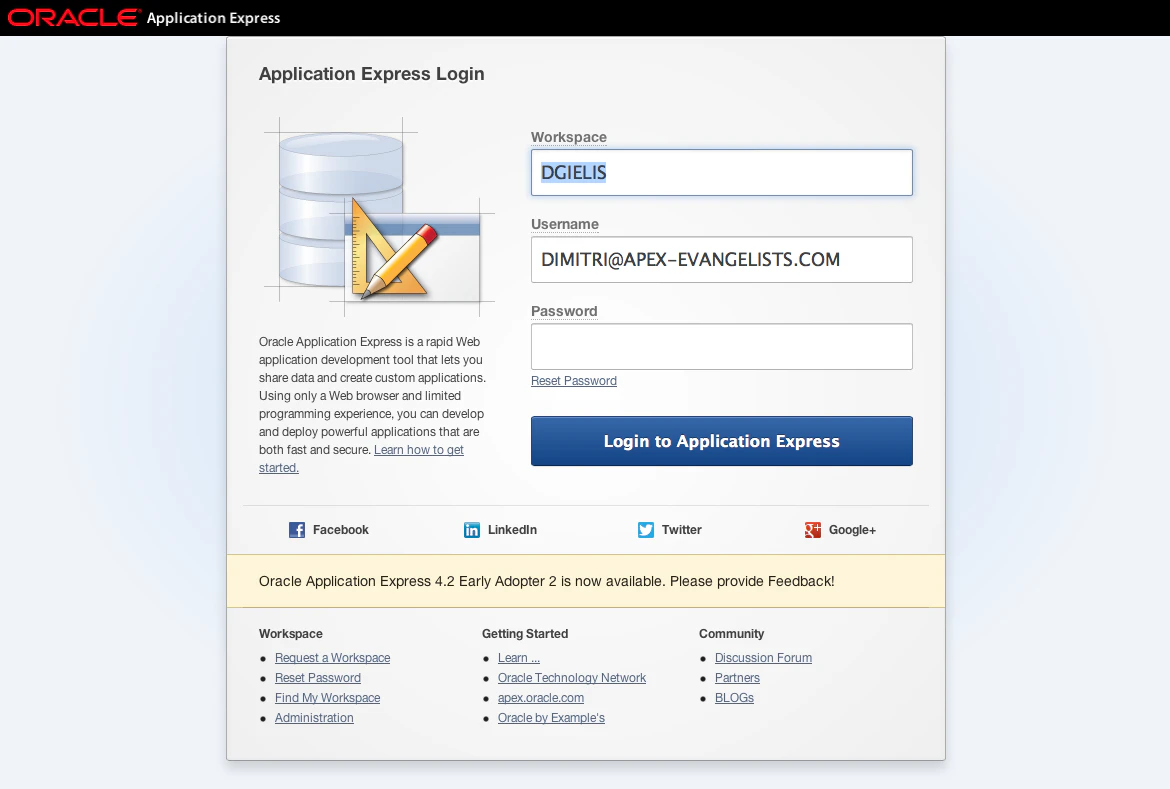
It already starts when you login: the fonts and buttons are bigger and it’s just crisper.
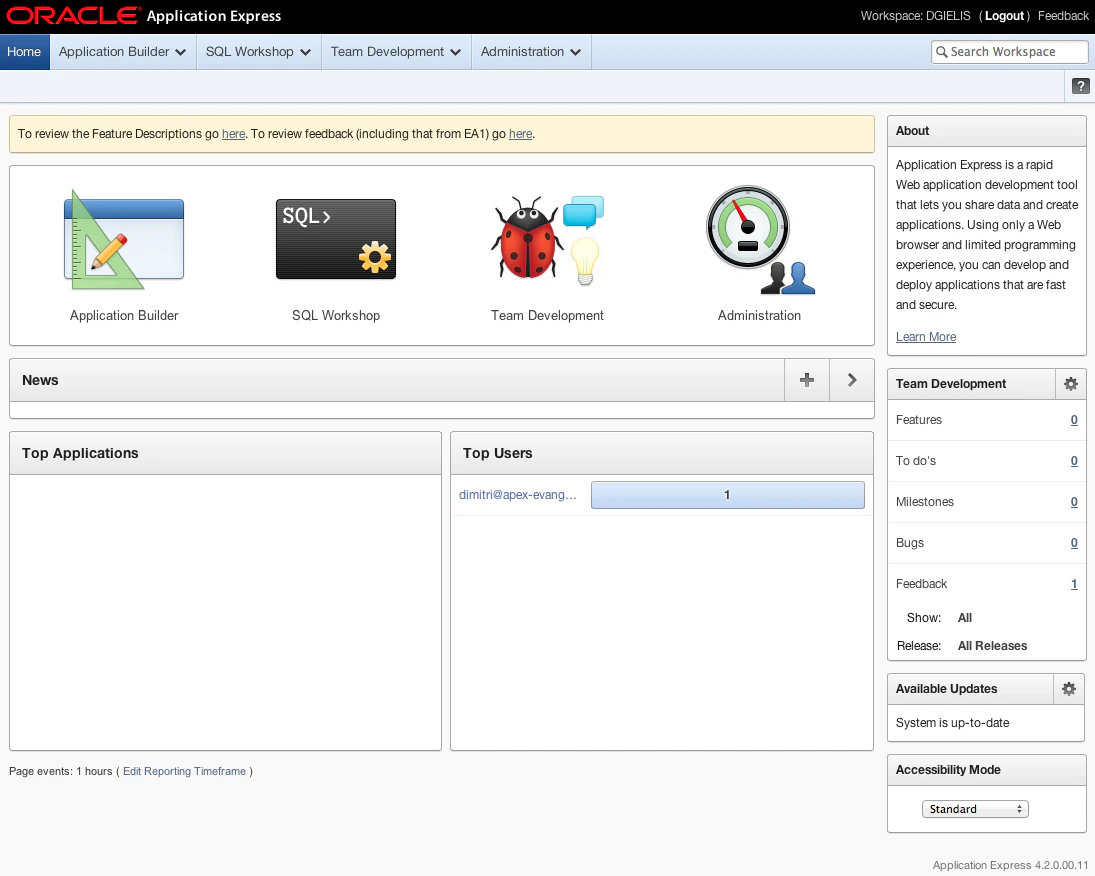
The home screen shows new icons, hovering over them highlight the selection in blue so it’s clear where you are.
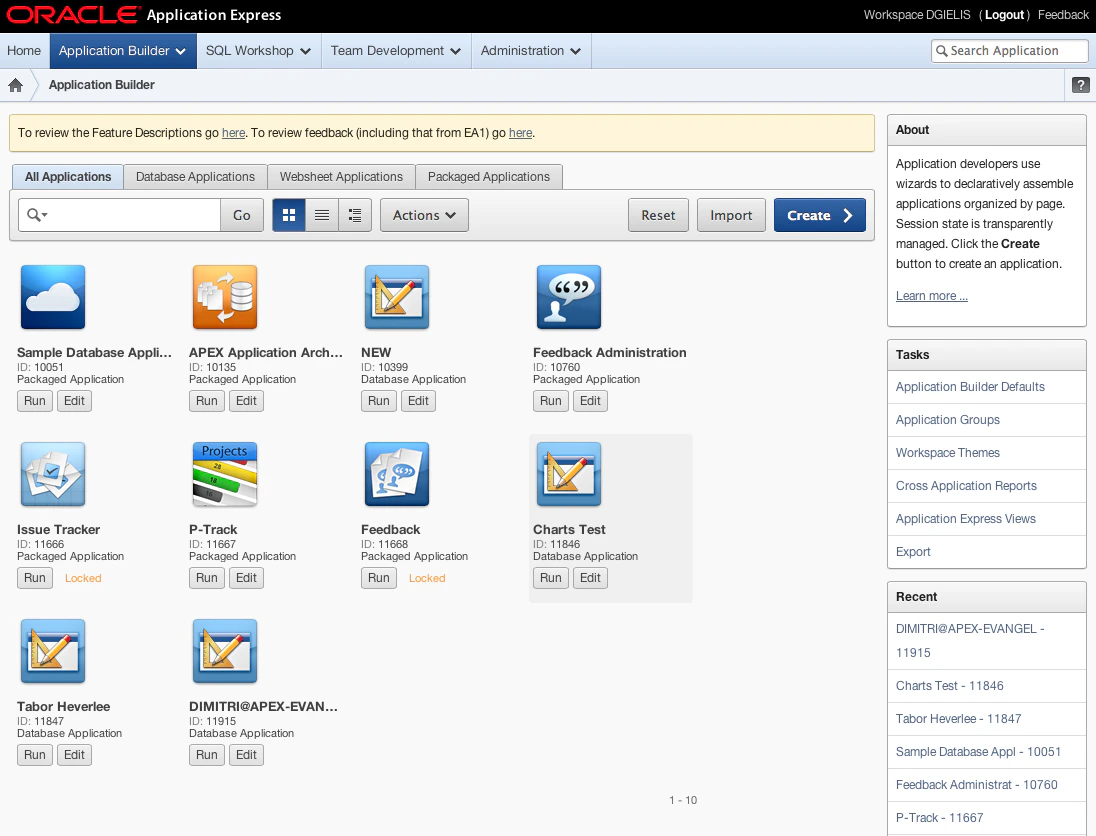
The Application Builder that shows the applications that you have in your workspace looks like this.
I’m unsure how you can change your own application to show another icon, but once Oracle allows to submit our own applications in the Packaged Applications section it will be possible I believe.
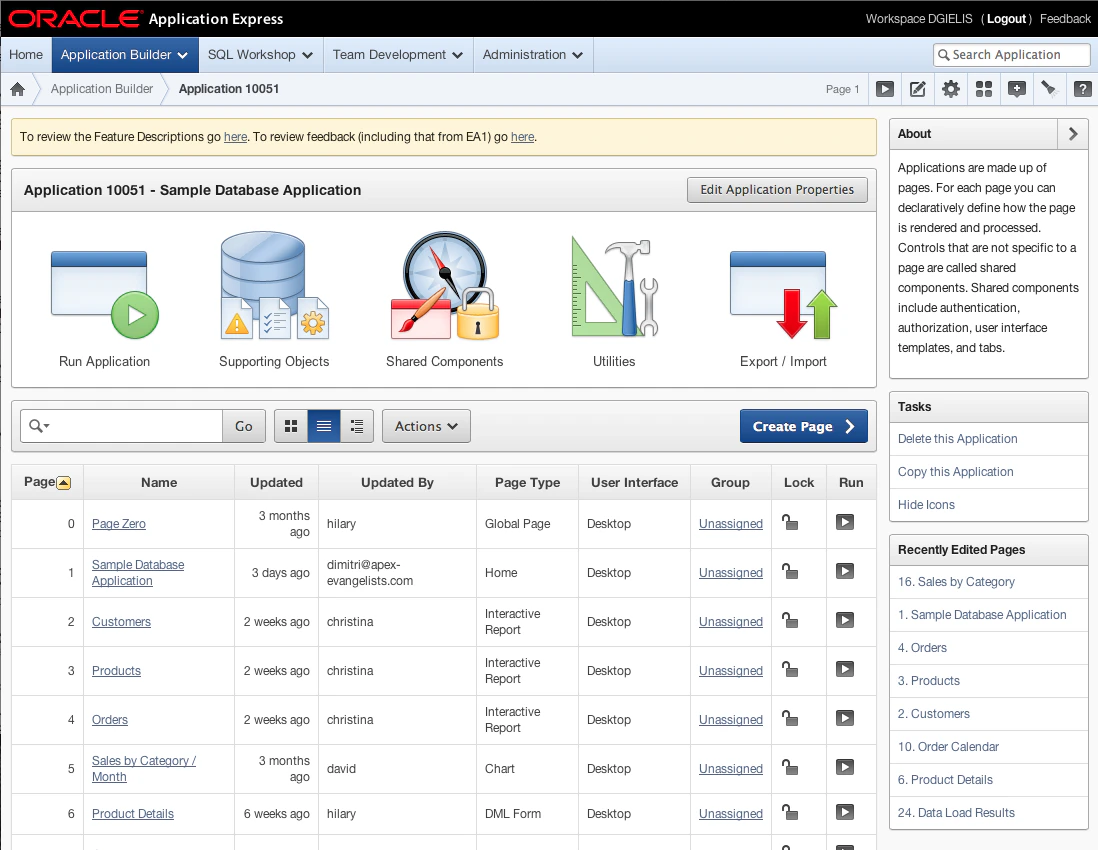
The new look and feel when you are in the pages overview of your application
The new theme of APEX itself is applied to all the wizards. The wizards are optimised, so you can get things done quicker than before and only relevant pieces are shown on the screen.
For example, creating a new database application takes not more than 3 clicks and can include an home page by default now.
Originally published on Blogspot.
Comments
No comments yet. Be the first.