Archive · 29 March 2010
APEX 4.0 - Looking at Feedback through Team Development
Written 16 years ago. Oracle APEX has moved on a lot since; check the current Oracle APEX posts too.
In the previous blog post I posted how you can add a Feedback link to your own application. I didn’t specify how you can retrieve the Feedback, but got a question about it from Stew. I thought it might be useful for others, so decided to do another post about it.
In APEX 4.0, there’s a completely new section called Team Development.
Team Development allows you to specify Milestones, Features, To Does … but also to look into the Feedback.
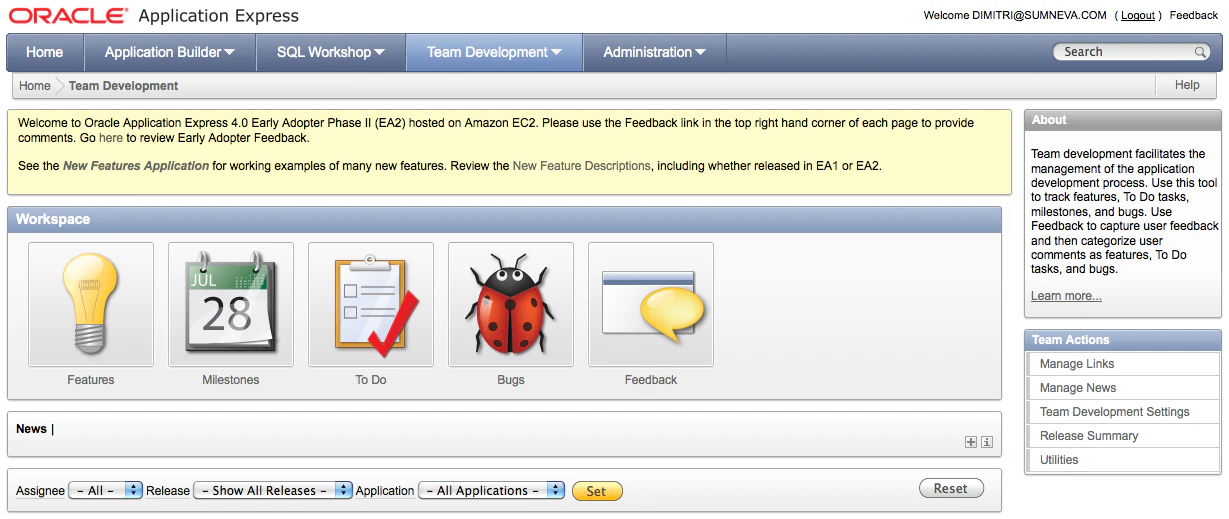
I see the Team Development as something that helps you to do Agile Development. It’s just a first try of the APEX Development team, so not perfect yet, but it’s a lot better than an Excel file or I don’t know what else people tend to use for handling their projects. But Team Development is definetely something you might want to give a try.
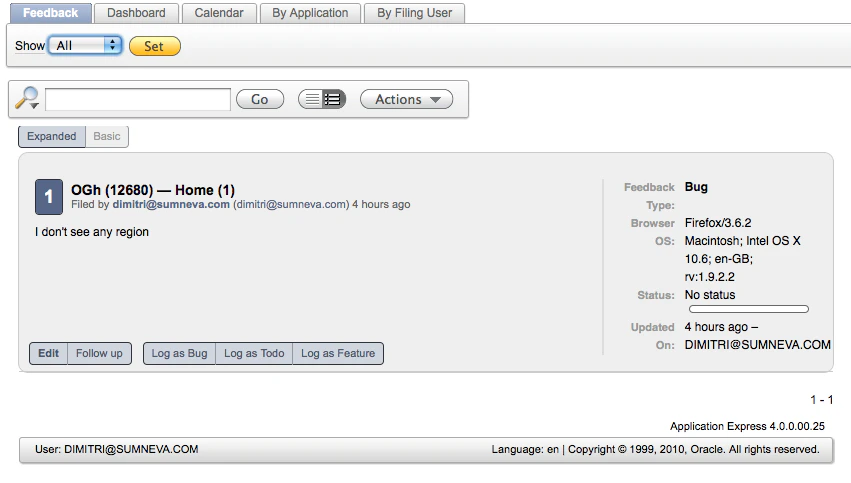
If you click on the Feedback icon you see the Feedback the people entered and you can Follow this up and make it a Bug, a Feature etc. As the Feedback option capture a lot of APEX specific things (e.g. in which app and page you were), it makes it all a bit easier to understand what the person is logging and to reproduce at your (the developers) end.
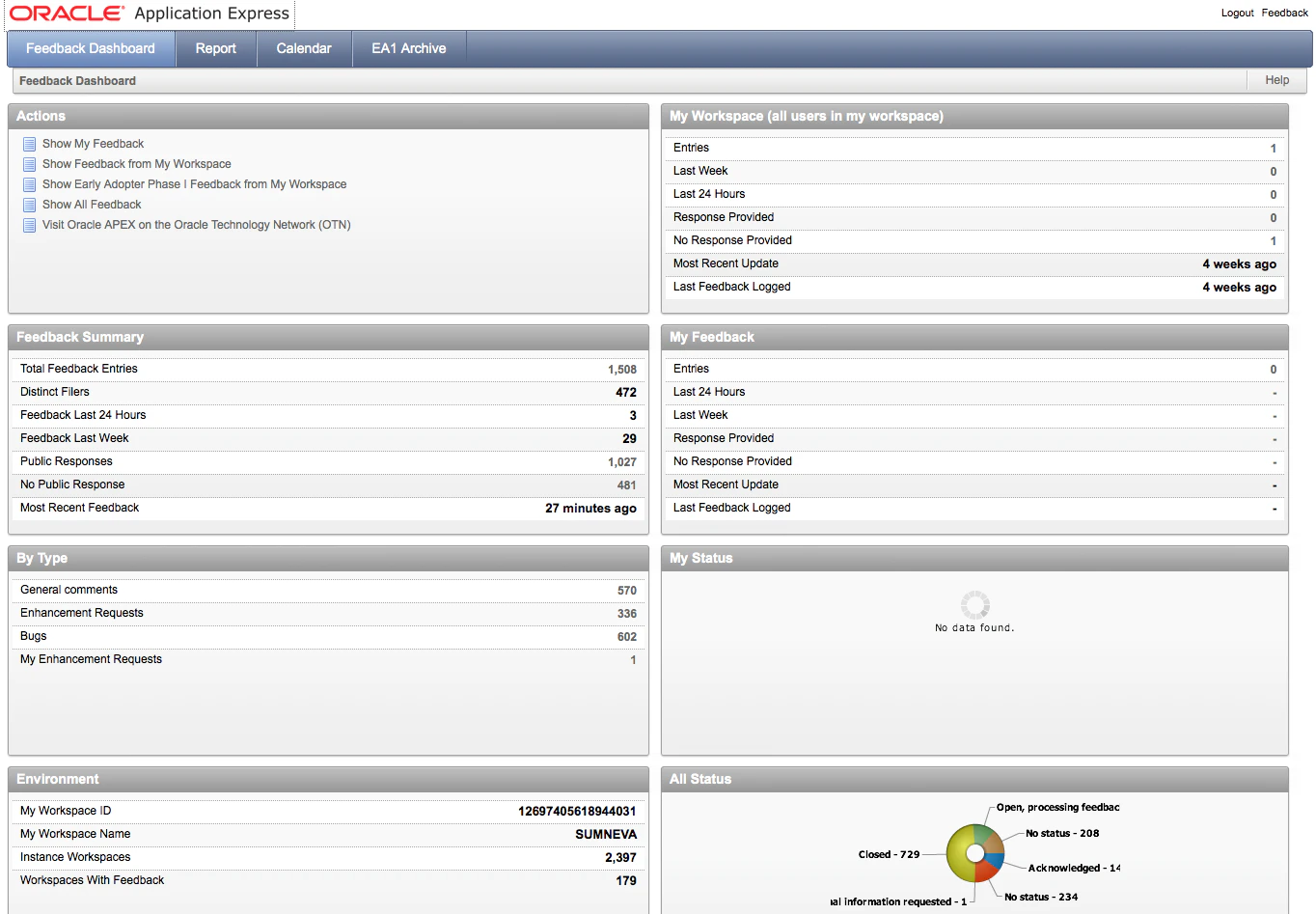
Obviously everything is stored in the APEX Repository so you can do whatever you want with it. Another good example if you want to see what you can do with it, is the APEX 4.0 Early Adopter feedback application itself. That app also sends a mail whenever feedback got updated.
Originally published on Blogspot.
Comments
No comments yet. Be the first.