Archive · 24 March 2010
APEX 4.0: Feedback link
Written 16 years ago. Oracle APEX has moved on a lot since; check the current Oracle APEX posts too.
APEX is written in APEX, so all feature you see in APEX you can do in your application as well.
One of the nice things in APEX 4.0 is Team Development and a way to get customer feedback.
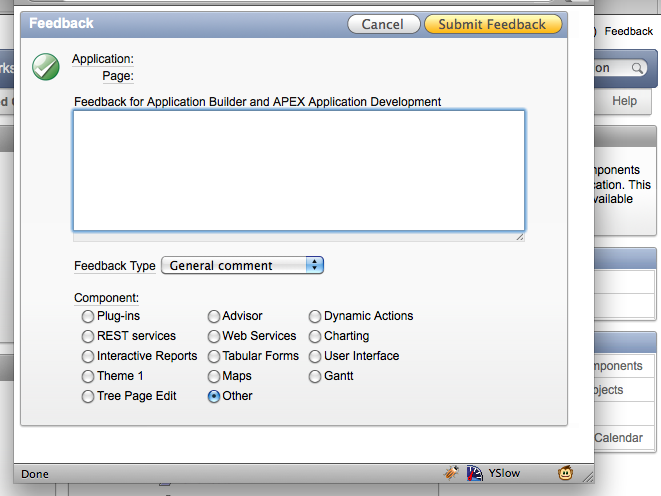
To enable such a Feedback link in your application you have to do the following:
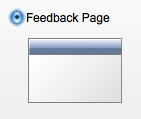
- Create the Feedback Page
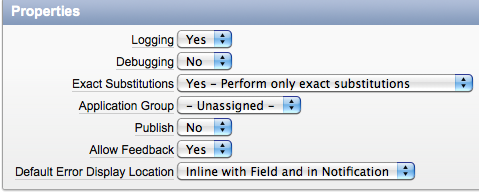
2) Edit the Application Attributes and Allow Feedback
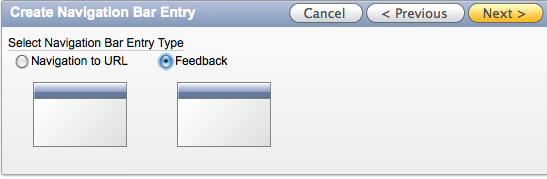
3) Create a Feedback Navigation Link
4) In the Page Template, the APEX Development team already foresaw a #FEEDBACK# token, so I guess they want to give you control how and where the Feedback link is shown. However I couldn’t get that to work yet, so that is still work in progress.

I believe this is a very useful feature… we actually already build such a functionality for our APEX 3.x applications, so it’s nice to see it will be part of APEX itself in the future.
Originally published on Blogspot.
Comments
No comments yet. Be the first.