Archive · 26 January 2010
APEX 4.0: Dynamic Actions - Part 1
Written 16 years ago. Oracle APEX has moved on a lot since; check the current Oracle APEX posts too.
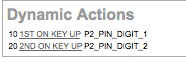
So what is all that about Dynamic Actions in APEX 4.0?
Basically, before we had to write a lot of javascript to get things happening on the client. E.g. you wanted to show or hide a field or a region depending other values on the page.
From APEX 4.0 onwards we can do a lot of these things declarative (through a wizard).
You have two types of Dynamic Actions: Standard and Advanced.
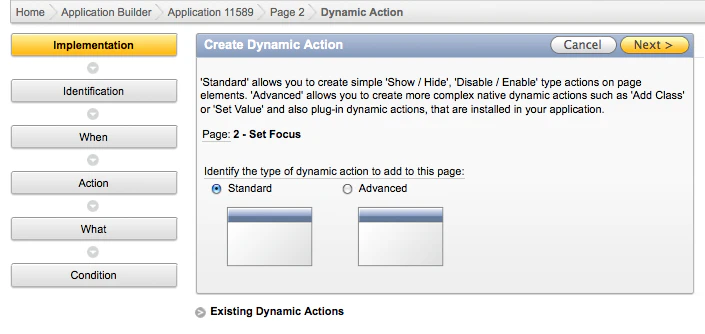
This post will have a closer look into the Standard Dynamic Action. (Advanced will be covered in Part 2)
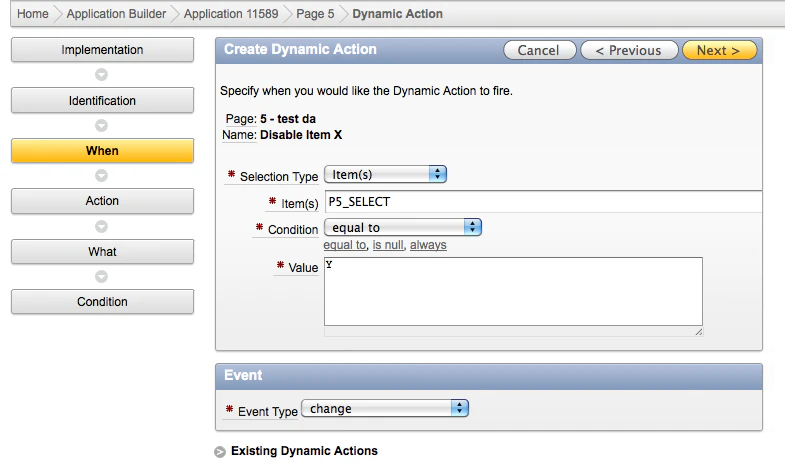
You will need to specify the selection type of the page elements that define when the dynamic action will fire. You can chose out of: Item(s), Region, DOM Object and JQuery Selector.
Depending the type you chose you’ll see different things to fill in e.g. the item(s) or region name, the condition and value when the dynamic action needs to fire.
Next you specify the event type for the dynamic action. In conjunction with the triggering elements define in the ‘When’ region, this is used to define the actual event on the page that will cause the dynamic action to trigger.
So in the above example I want to fire the dynamic action when my P5_SELECT equals to Y and it looks for it whenever I change the select list.
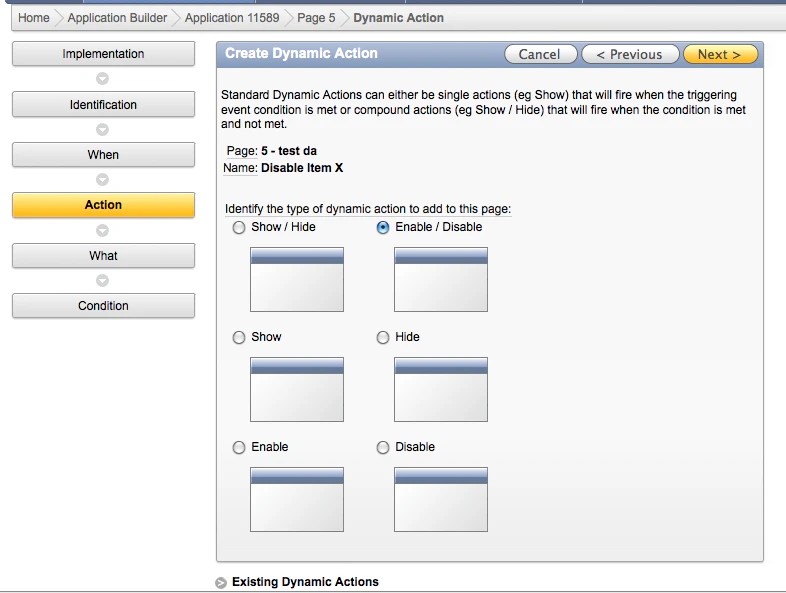
Next you define what you want to do. In my case I want to disable an item when the value of the select list is N and enable it again when the value is Y.
Finally I told the dynamic action what field it had to enable/disable. You see it live here.
If you go back into the App Builder and look at your page (Tree View) you see the Dynamic Action below (if you still use the Components View it’s at the end as well and the screenshot looks like the very first picture on top of this post).
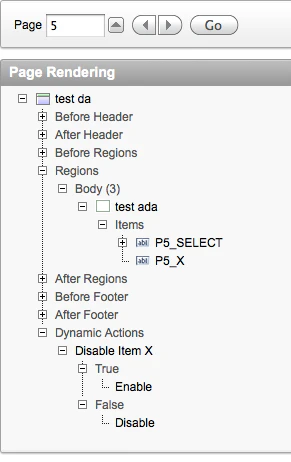
You can still edit the Dynamic Action and configure it further.
I like Dynamic Actions a lot, it will definitely speed up development as it’s just build-in now. Not a single line of javascript you have to write. Obviously we now did only a simple thing and you still need to test things if they do what you expect… I tried to Enable/Disable a button, but that didn’t work yet, but like the above example with an item it worked like I expected.
Originally published on Blogspot.
Comments
No comments yet. Be the first.