Archive · 22 April 2008
Posting HTML items in an APEX environment
Written 18 years ago. Oracle APEX has moved on a lot since; check the current Oracle APEX posts too.
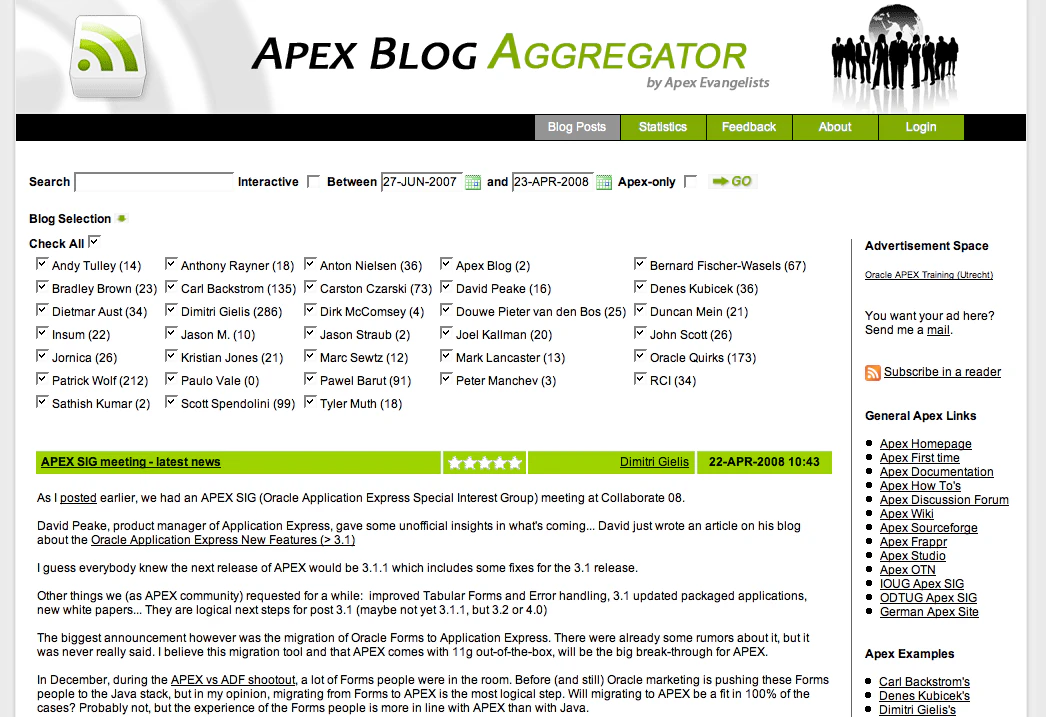
Ever got a nasty HTTP 404 error message in APEX? Or your url stays at /pls/apex/wwv_flow.accept and it doesn’t do anything?
I had one on apexblogs.info, but not all the time, only occasionally. I couldn’t understand what was going on.
What I normally do is having a look insight my page in Application Express to see what’s going on. If I don’t see it directly, I try some debugging techniques to investigate further, but I didn’t find anything special in APEX or SQL Developer.
With Screen Sharing on my Mac I can easily show it to others too. Especially with XP programming it’s useful, so also this time I showed John Scott, my partner at Apex Evangelists (site no longer online). His reaction is always to look into the Apache logs and most of the time that’s where you find more information, but even then…
This is what was in the Apache log when I got a 404 error on apexblogs.info:
Tue Apr 22 09:02:54 2008] [error] [client 127.0.0.1] [ecid: 1208851374:a.b.c.d:29454:0:667,0] mod_plsql: /pls/apex/wwv_flow.accept HTTP-404 \nwwv_flow.accept: SIGNATURE (parameter names) MISMATCH\nVARIABLES IN FORM NOT IN PROCEDURE: CODE\nNON-DEFAULT VARIABLES IN PROCEDURE NOT IN FORM: \n 11:44 MISMATCH\nVARIABLES IN FORM NOT IN PROCEDURE: CODE
I was pretty sure my variables where correct… John spotted it. Some posts included html items which APEX interpreted not correctly. Well, APEX shouldn’t interpret it neither, so the fix was to escape the items. I couldn’t escape the whole message (or data I get from the rss feeds) as I want to reproduce the post as accurate as possible.
I hope the problems with apexblogs.info are fixed now. Time to develop further and in the meanwhile, if you find another error, please tell me.
Originally published on Blogspot.
Comments
No comments yet. Be the first.