Archive · 27 July 2006
APEX 2.2 installation
Written 20 years ago. Oracle APEX has moved on a lot since; check the current Oracle APEX posts too.
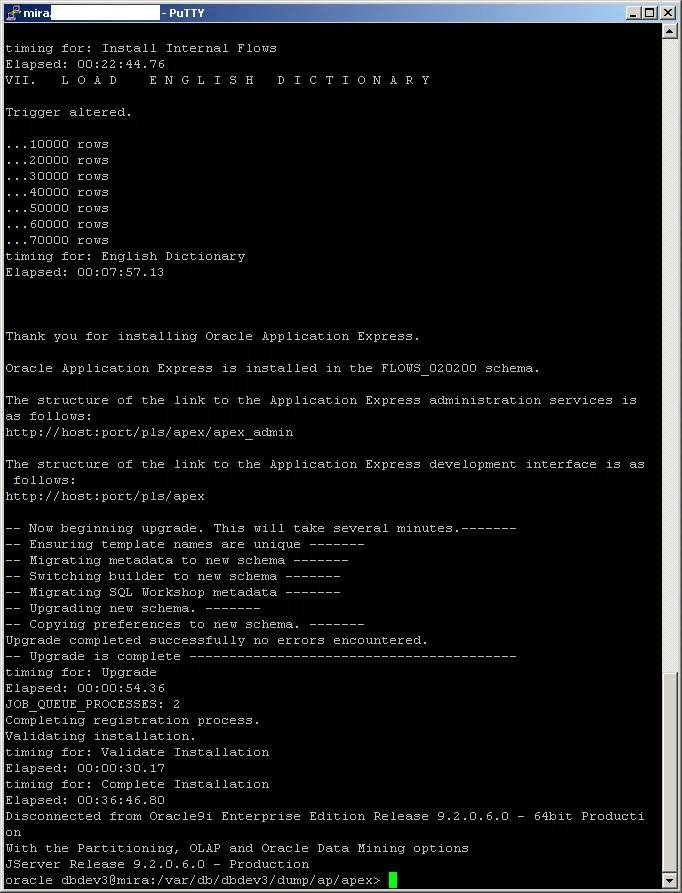
The installation of APEX 2.2 went smooth!
The steps I did:
- Desktop
1. Downloading the apex_2.2.zip file from OTN
2. Transferring the file from my desktop to my unix server
- Server (HP-UX, DB 9.2.0.6, APEX 2.0 installed)
3. Unzip apex_2.2.zip
4. Run sqlplus “sys/… as sysdba”
5. SQL> @apexins password apex_data apex_data temp /i/ none
6. After 36 minutes I got the screen as you can see on your right side
7. SQL> @$ORACLE_HOME/rdbms/admin/utlrp
8. Backup image 2.0 directory
9. Copy new image (2.2) directory to previous location
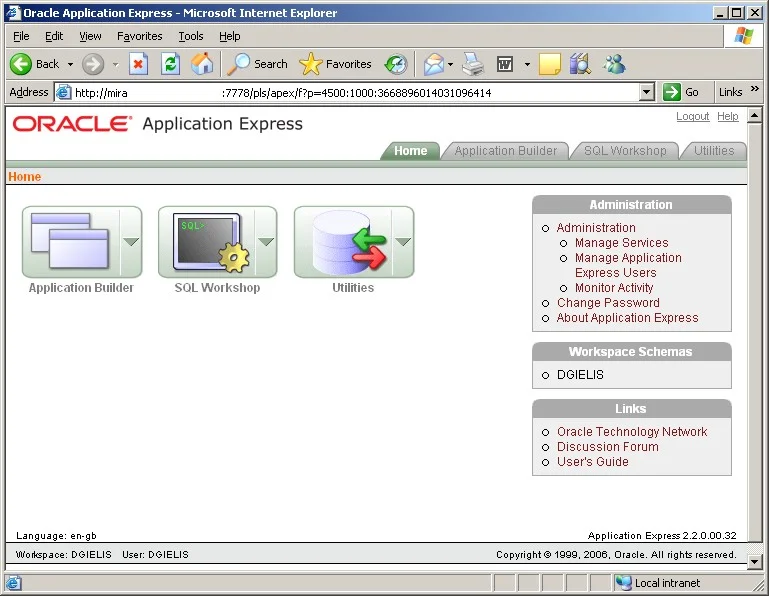
10. Test in browser
11. It works perfectly, all my previous workspaces were migrated
What happened in the database?
- Creation of FLOWS_020200 schema
- Space utilization of around 100 MB extra
Originally published on Blogspot.
Comments
No comments yet. Be the first.